
Databases
Each project can get its own database server: MariaDB, MySQL, PostgreSQL or MongoDB. It runs as a container of the project with a persistent volume, Envoryx makes up the credentials, and your application finds everything it needs in its environment. You pick the database in the wizard’s Project & services step, or add it later in the project’s Database section.
How your app finds the database
Section titled “How your app finds the database”Inside the project network the database is simply called database. Every application container - PHP, Python, Go, Ruby, Java, .NET or Node.js - gets these variables:
| Variable | Example |
|---|---|
DB_CONNECTION |
mysql, pgsql or mongodb |
DB_HOST |
database |
DB_PORT |
3306 / 5432 / 27017 |
DB_DATABASE, DB_USERNAME, DB_PASSWORD |
generated per project |
DATABASE_URL |
the whole connection as one URL |
DB_SERVER_VERSION |
the server version the way Doctrine wants it: 18, 8.4.0, mariadb-11.4.0 |
With MongoDB there’s also MONGODB_URI. Laravel, Symfony and most other frameworks pick these names up on their own. Django reads DATABASE_URL through dj-database-url, and Rails merges DATABASE_URL into config/database.yml. The scheme of a PostgreSQL DATABASE_URL depends on the container. PHP gets pgsql://, which Laravel and Doctrine read; every other runtime, its workers and cron jobs get postgresql://, the spelling Active Record, SQLAlchemy, Prisma, pgx and lib/pq accept. DB_CONNECTION stays pgsql everywhere, and MariaDB and MySQL are mysql:// in every container. Java gets the Spring Boot and Quarkus variables and a JDBC_URL on top, .NET a ConnectionStrings__DefaultConnection - more on the Java and .NET pages.
DB_SERVER_VERSION is there for the MariaDB, MySQL and PostgreSQL servers Envoryx runs itself, not for MongoDB and not for an external server (Envoryx can’t know that one’s version, so set the variable in the project environment yourself if you need it). Doctrine is the reason it exists: the injected DATABASE_URL carries no server version, and without one Symfony’s migrations stop with “Invalid platform version”. The value follows the version you picked for the project, not the patch release the server happens to run: a MariaDB on 11 gets mariadb-11.0.0 even when the image is 11.8 by now. That’s on purpose, because Doctrine then settles on a platform every server behind that tag supports, and it doesn’t change under you when the image is rebuilt. The Symfony template already reads the variable in config/packages/doctrine.yaml. For a Symfony project that’s older than that, add one line under doctrine.dbal:
doctrine: dbal: server_version: '%env(DB_SERVER_VERSION)%'The Tests section stays away from this database. A test suite that refreshes the schema or loads fixtures would empty your development tables, so the runners that use the database run against a sibling on the same server: <database>_test for PHPUnit, Pest, Rails, Java and .NET, test_<database> for Django’s runner and pytest-django. Envoryx creates it as the administrator before the run, because the MySQL and MariaDB project login may not create databases. The tables are up to your tests; Actions and tests has the details.
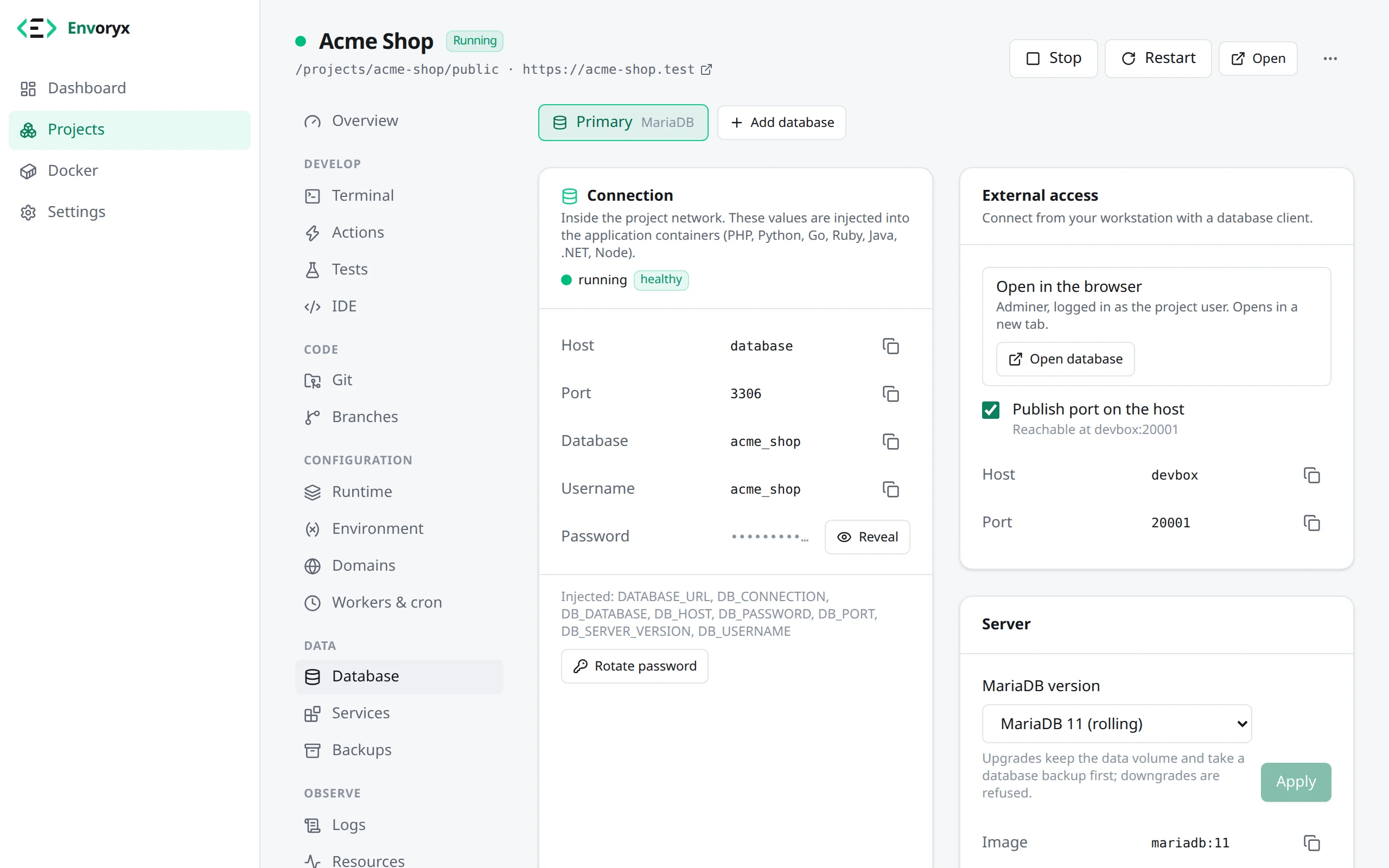
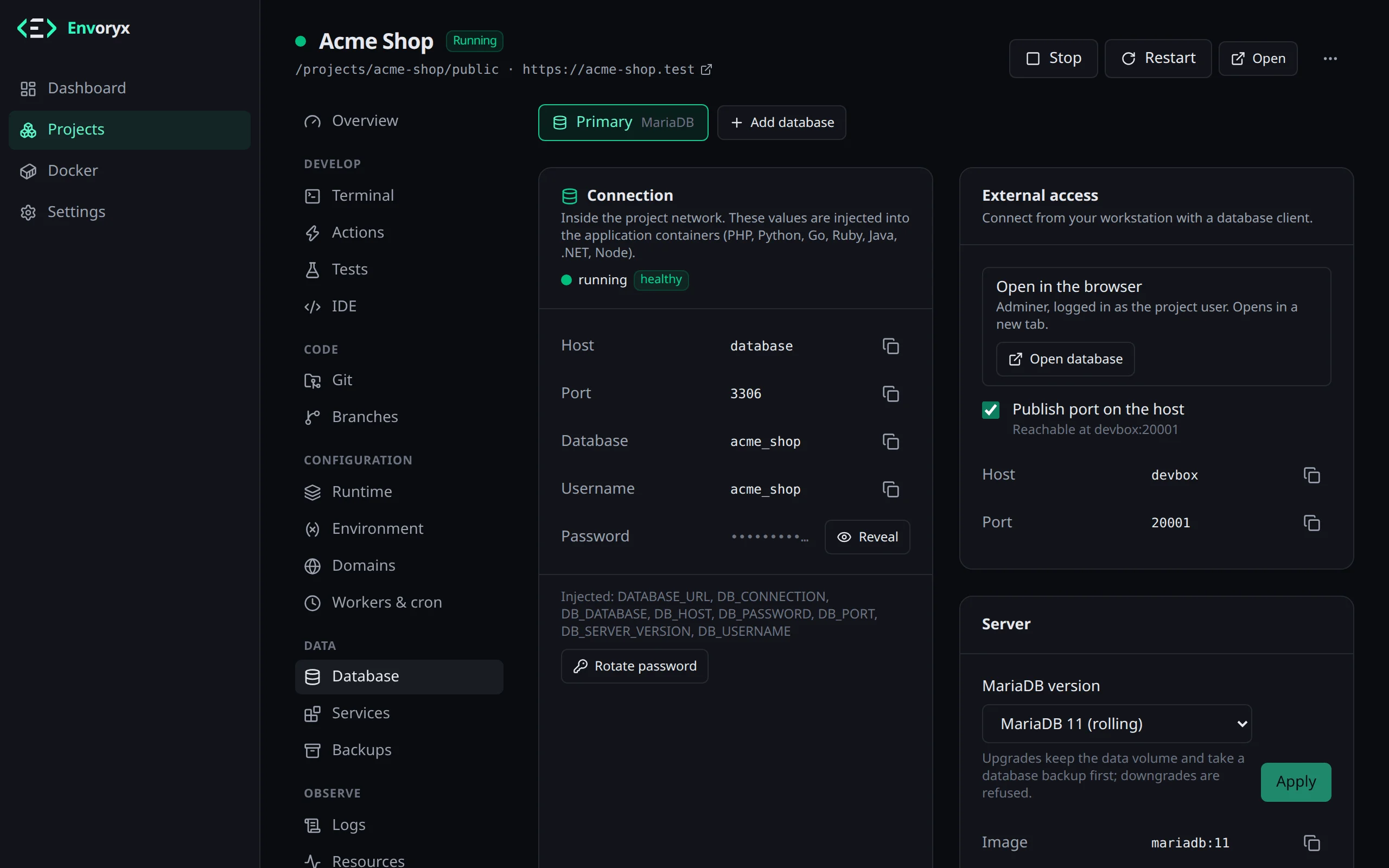
The Database section shows you the credentials. If you’d like to look at the data with a desktop tool like TablePlus, DBeaver or DataGrip, turn on Publish port on the host there; the IDE section then lists ready-made JDBC URLs.
Everyday things in the Database section
Section titled “Everyday things in the Database section”Most of what you’ll do with a database happens in that section. You see the credentials and connection strings there. Rotate password generates a new password and recreates the application containers with it, so nothing has to be copied around by hand. Under Databases you can list, create and drop databases next to the project’s own one. Open database starts the built-in database browser, and further down you’ll find snapshots, cloning and the server version.
Snapshots
Section titled “Snapshots”A snapshot is a dump of one database and nothing else. It’s the thing you take right before a migration, so that a failed one is just an annoyance.
Go to Database → Snapshots → Take snapshot and, if you like, add a note such as “before the orders migration”. To go back, pick the snapshot and click Restore; you confirm by typing the project identifier. Envoryx empties the database before it imports the dump, so a table the failed migration created is gone afterwards too, and the next attempt doesn’t trip over it. On an external server it doesn’t, since it never drops anything there: the dump goes in on top of what’s there.
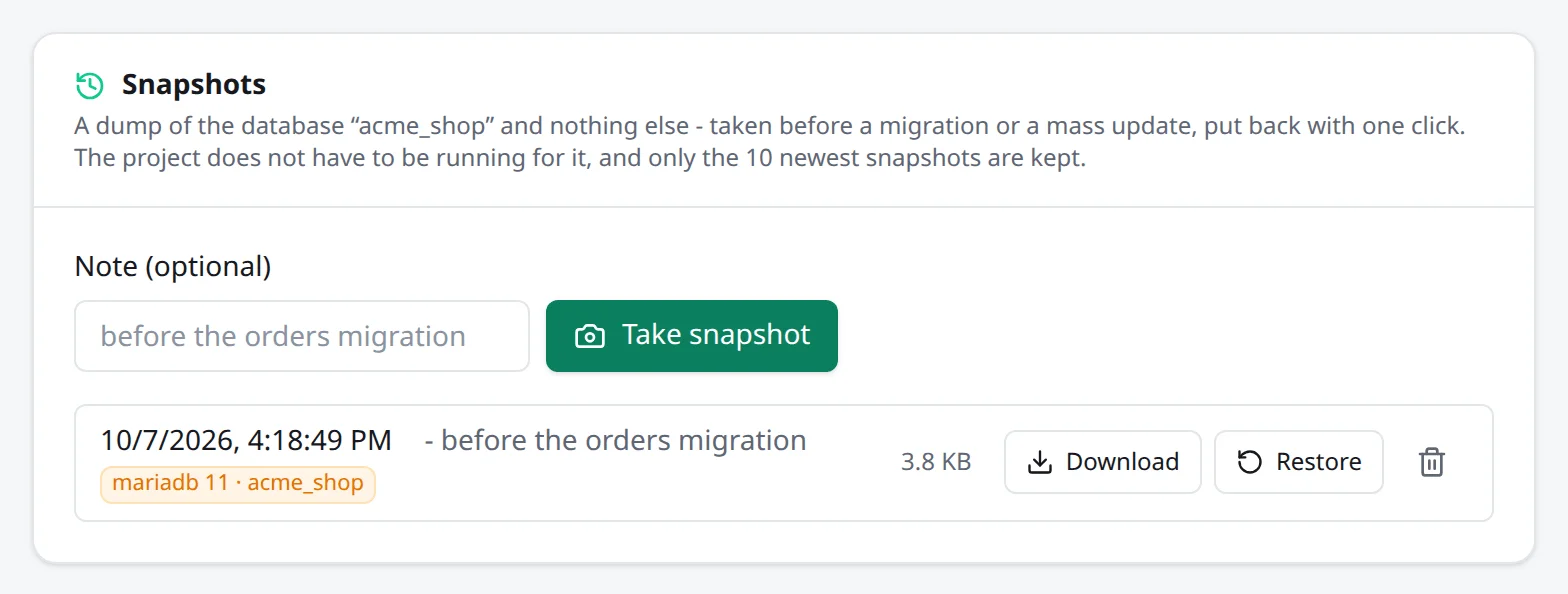
The project doesn’t have to be running for this. A stopped database container is started for the dump or the import and stopped again afterwards. Snapshots are ordinary backups in the project’s backups folder, so they also show up in the Backups section and can be downloaded. Envoryx keeps the ten newest per database; your scheduled and manual backups are never pushed out by them.
The same from the command line:
envoryx db snapshot shop --note "before the migration"envoryx db snapshots shopenvoryx db restore shop <snapshot> --yesCopying another project’s database
Section titled “Copying another project’s database”Sometimes you want the data from another project, say staging, in your local one. Clone from another project replaces this project’s database contents with those of another database of the same engine. The dump goes straight from one container’s client into the other’s, nothing is written to disk on the way. The source is only read, both projects are locked while it runs, and the target gets a snapshot first, unless you switch that off.
envoryx db clone local --from staging --yes # --no-snapshot skips the safety netMore than one database
Section titled “More than one database”One database per project isn’t a limit. Next to the primary one you can add as many named databases as you need, for example a PostgreSQL for reporting next to your MariaDB, or a second MariaDB in another version. Add them in the wizard under Project & services → Additional databases, or with Add database in the Database section.
The name decides everything else. For a database called analytics it looks like this:
| Container / volume | envoryx-<project>-db-analytics |
| Host in the project network | analytics |
| Variables | ANALYTICS_DB_CONNECTION, ANALYTICS_DB_HOST, ANALYTICS_DB_PORT, ANALYTICS_DB_DATABASE, ANALYTICS_DB_USERNAME, ANALYTICS_DB_PASSWORD, ANALYTICS_DATABASE_URL, plus ANALYTICS_DB_SERVER_VERSION for MariaDB, MySQL and PostgreSQL or ANALYTICS_MONGODB_URI for MongoDB |
A name has 1-24 lowercase letters, digits and dashes and starts with a letter. In the variables, dashes turn into underscores, so legacy-db gives you LEGACY_DB_DB_HOST. Names that another container of the project already answers to (database, redis, web, the engine names …) are refused, because the host names would collide.
Each of these databases has its own credentials, port, version and upgrades, and everything in the Database section works per database. Backups dump all of them (database.sql.gz for the primary, database-<name>.sql.gz for the others), and duplicating or renaming a project takes them along. On the command line every db command takes --db NAME, and project create takes --add-database NAME=TYPE[:VERSION].
Using a server you already have
Section titled “Using a server you already have”A database doesn’t have to be a container. It can also be a server that’s already running somewhere: the MariaDB on your NAS, a PostgreSQL in the company network, a managed database at your hoster. That works for the primary database and for additional ones.
Choose On an external server in the wizard or when adding a database, enter host, port, user, password and database, and try Test connection. Envoryx tests again before it stores anything and tells you what went wrong if it can’t connect.
This works with MariaDB, MySQL and PostgreSQL. The version you pick decides which client tools Envoryx uses, so choose the server’s major version; for PostgreSQL the client must not be older than the server. A server on the Docker host itself is reached as host.docker.internal. localhost is refused, because inside a container localhost is the container.
Your application gets the same variables as with a container (except DB_SERVER_VERSION), they just point at the server. Backups, snapshots and restores, cloning, the site import, Adminer, listing and creating databases all work. What Envoryx deliberately leaves alone: it never drops a database on that server, never changes its password and publishes no port. Removing the database from the project only makes Envoryx forget the connection.
If you duplicate such a project, the copy gets a local database container filled with the external data. That way a copy can never touch the real server.
Upgrades
Section titled “Upgrades”You change the version in the Database section. Before anything happens, Envoryx takes a database backup (source upgrade). If it can’t take one because the project is stopped, it refuses the upgrade rather than risk your data.
MariaDB and MySQL upgrade their data directory in place, also across major versions. PostgreSQL can’t do that for a new major version, so Envoryx refuses those upgrades; create the database in the new version and restore the dump into it. MongoDB is the same, with one exception: 8.0 can move to 8.2 in place, because 8.2 takes over 8.0’s data as it is. (The feature compatibility version stays at 8.0 until you raise it yourself.) Going down to an older version is never done at all, because the data format doesn’t go back.
MongoDB on newer Linux kernels
Section titled “MongoDB on newer Linux kernels”MongoDB 8.2 is the default for new databases. 8.0 and 7.0 don’t start on Linux 6.19 or newer, so on a Docker host with such a kernel you can’t choose them, and a project that already has one starts without that database and shows a hint instead of restarting it over and over.
For 8.0 the way out is the upgrade to 8.2 described above. Envoryx takes its backup first, as with every upgrade. On an affected host the old server can’t run to make a dump, so that backup is a copy of the data volume instead, and restore, download and offsite copies handle that copy like a dump. For 7.0 there’s no way to 8.2 on such a host: either export the data on a host with an older kernel, or remove the database and add it again, which loses its data.
Database browser (Adminer)
Section titled “Database browser (Adminer)”Sometimes you just want to look into a table without starting a desktop app. Settings → Database browser switches on Adminer, which works with MariaDB, MySQL and PostgreSQL. (MongoDB isn’t supported by Adminer; publish the port and use Compass for that.)
Nothing runs until you first click Open database. Then Envoryx starts one Adminer container shared by all projects, connects it to the project’s network and opens it already logged in as the project user. Adminer lives under the Envoryx UI at /dbtool/, so your Envoryx login protects it and there’s no extra port, host name or certificate. Switch the browser off again in the settings and the container is removed.
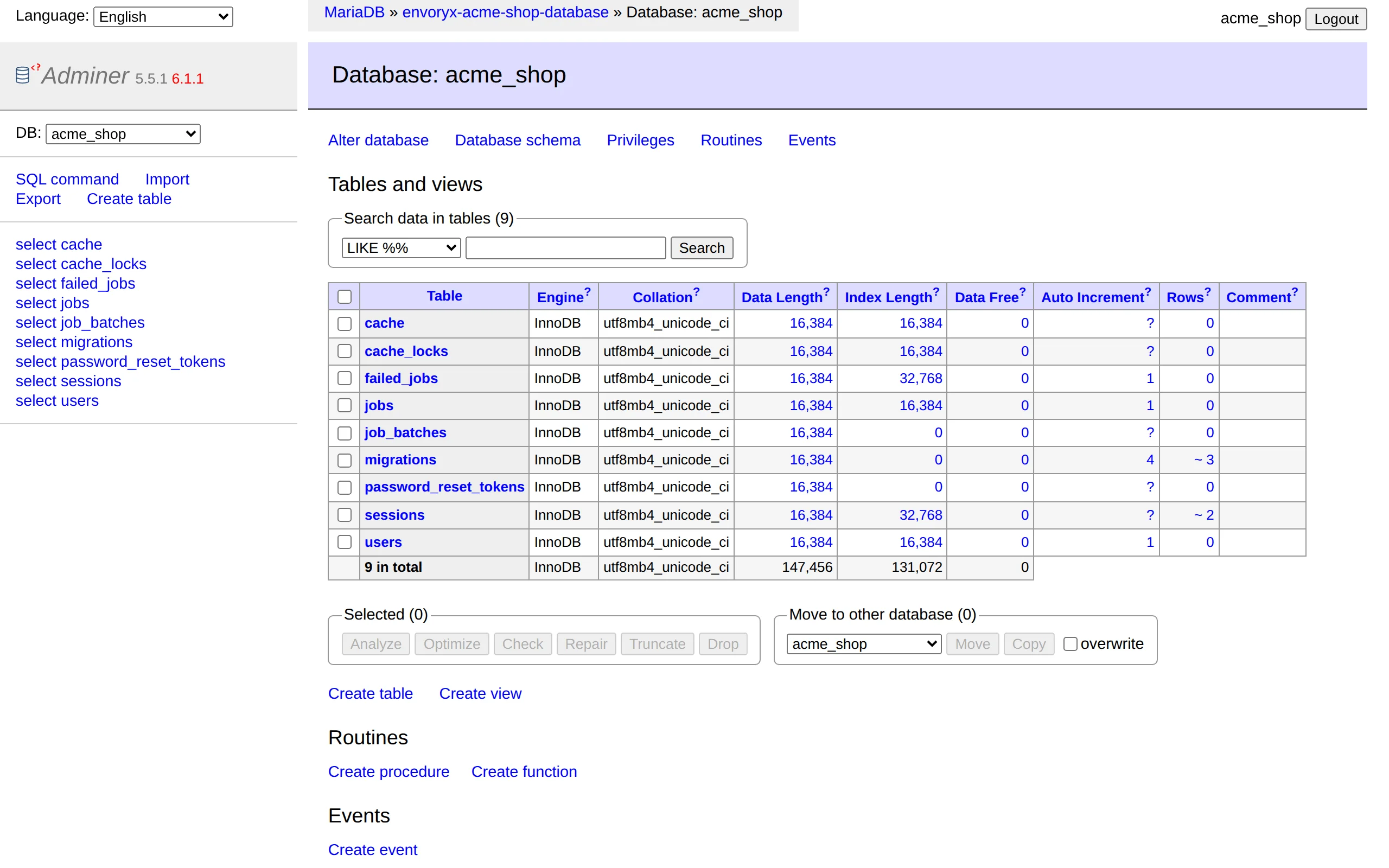
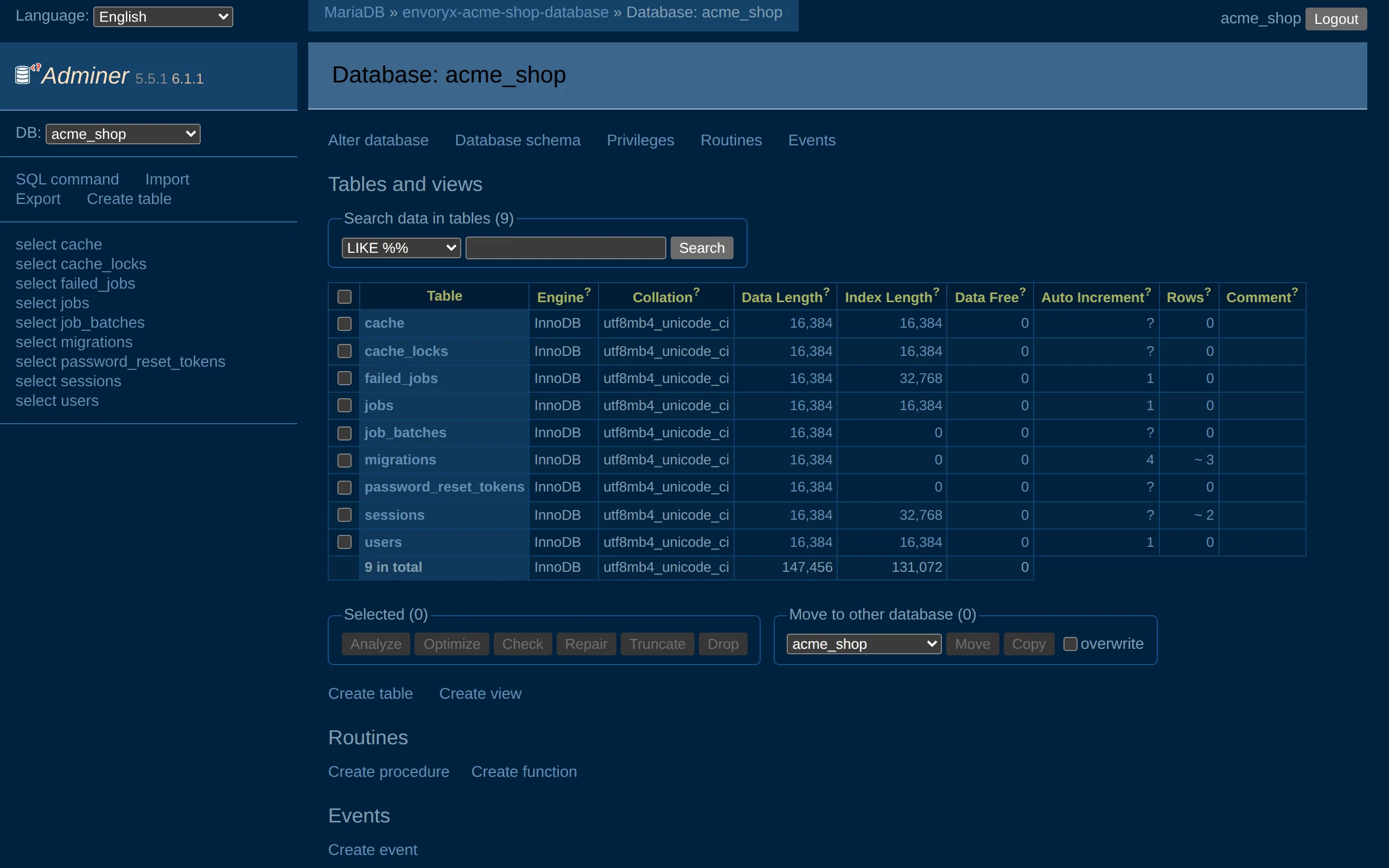
It only opens what you’re allowed to work on. Envoryx checks every request and lets you into the databases of projects you may operate (developer or admin there, or an operate token), the root login included; every other server is refused. The Adminer container itself only answers requests that come through Envoryx, so the project containers it shares a network with can’t use it. One thing to know about the automatic login: it puts the password into a hidden field of Adminer’s login page, so the password does reach the browser of whoever opens it.
The container and its network are named after the instance, envoryx-dbtool- plus the first 8 characters of the instance ID, so a second Envoryx on the same Docker host can have its own database browser.