
.NET
Start from a .NET template in the wizard or pick .NET application for an empty project or a
repository, or add .NET to any project in the Runtime section. The container,
envoryx-<project>-dotnet, runs ghcr.io/envoryx/envoryx-dotnet:<version>. That’s Microsoft’s SDK
image (mcr.microsoft.com/dotnet/sdk:<version>.0-noble) plus dotnet-ef, the netcoredbg debugger, git
and socat. It runs as PUID:PGID, with your project at /var/www/html and a home directory at
/home/envoryx.
NuGet’s packages folder and HTTP cache live in the shared package cache, so a package is downloaded once for all your projects.
Versions
Section titled “Versions”Only the LTS releases: 10 is the default, 8 is available too. .NET 8 reaches its end of support on 10 November 2026, so start new projects on 10.
If the target framework in the project file or the SDK in global.json needs a newer .NET than the
project runs, the project list and the project page warn you and name both versions. The other way
round gets a warning too, unlike with Go or Java: each .NET image only carries its own runtime and
SDK, so a net8.0 project doesn’t start on .NET 10. Either pick the version it targets, or raise
<TargetFramework> (or the SDK in global.json) and restart the project; dotnet watch doesn’t
notice a changed project file while the app never started. A project that sets <RollForward> to
Major or LatestMajor, or a global.json with rollForward major or latestMajor, runs on the
newer version and gets no warning. Values Envoryx can’t read for sure, such as several target
frameworks or a Directory.Build.props, give no warning.
Which project runs
Section titled “Which project runs”In the server settings you can name the project file, as a path relative to the project such as
src/Shop/Shop.csproj. Leave it empty and Envoryx takes the one .csproj, .fsproj or .vbproj at
the top of the project, otherwise the one ASP.NET Core or worker project it finds up to four levels
down. If there are several, it stops and says so in the log rather than guessing.
A common layout is src/ and tests/ with a solution at the top. Keep test projects out of the
application’s own directory: .NET compiles everything below a project into it, tests included. If
they have to live there, exclude them with <Compile Remove="tests/**" />.
The server
Section titled “The server”Switch on Run the .NET server and pick a preset. The server becomes the container’s main process, restarts automatically and gets a host port of its own. Before it starts, it waits for a project file. Switch the server off and on again and it keeps that port, so a bookmark to it stays valid.
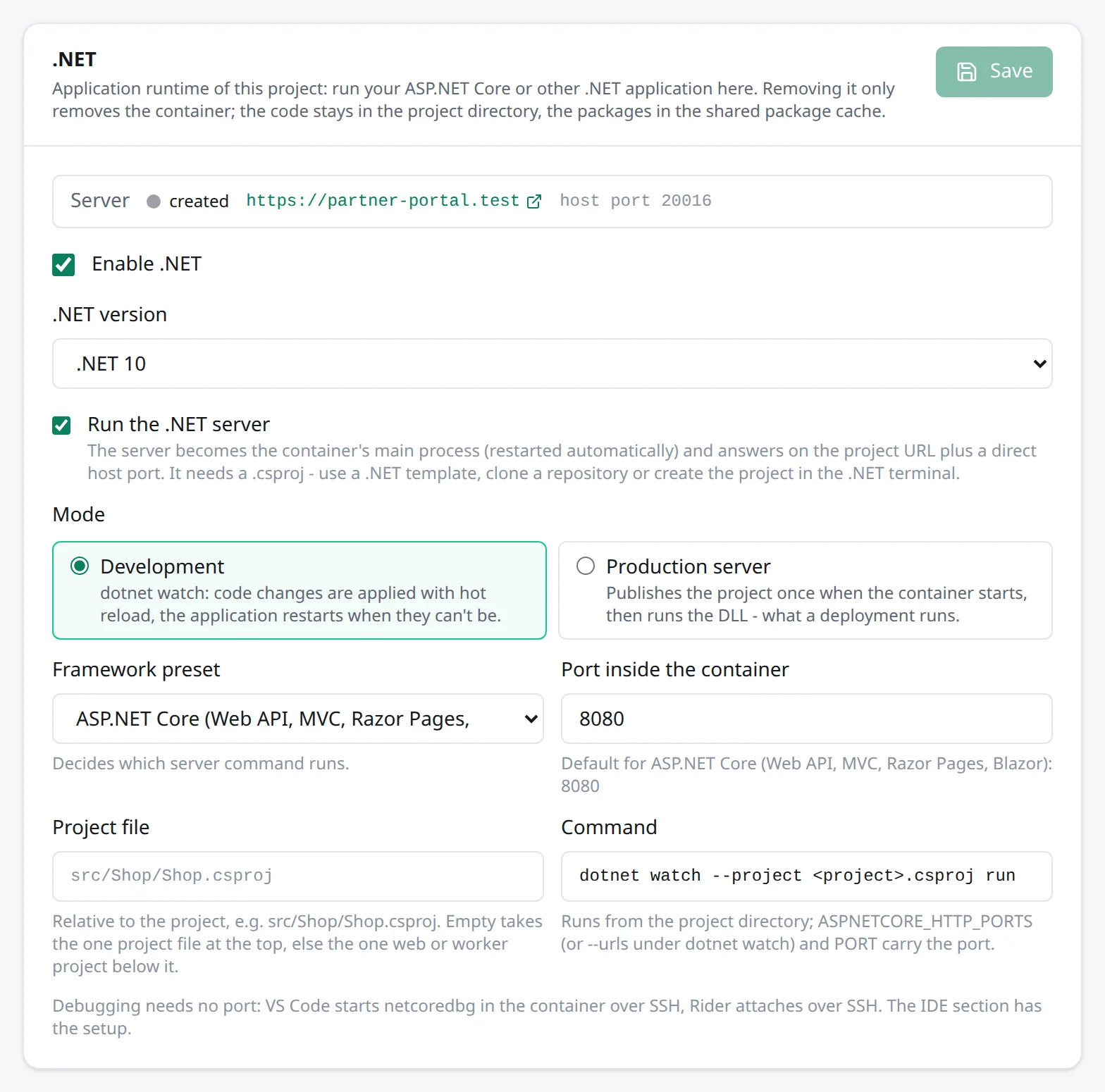
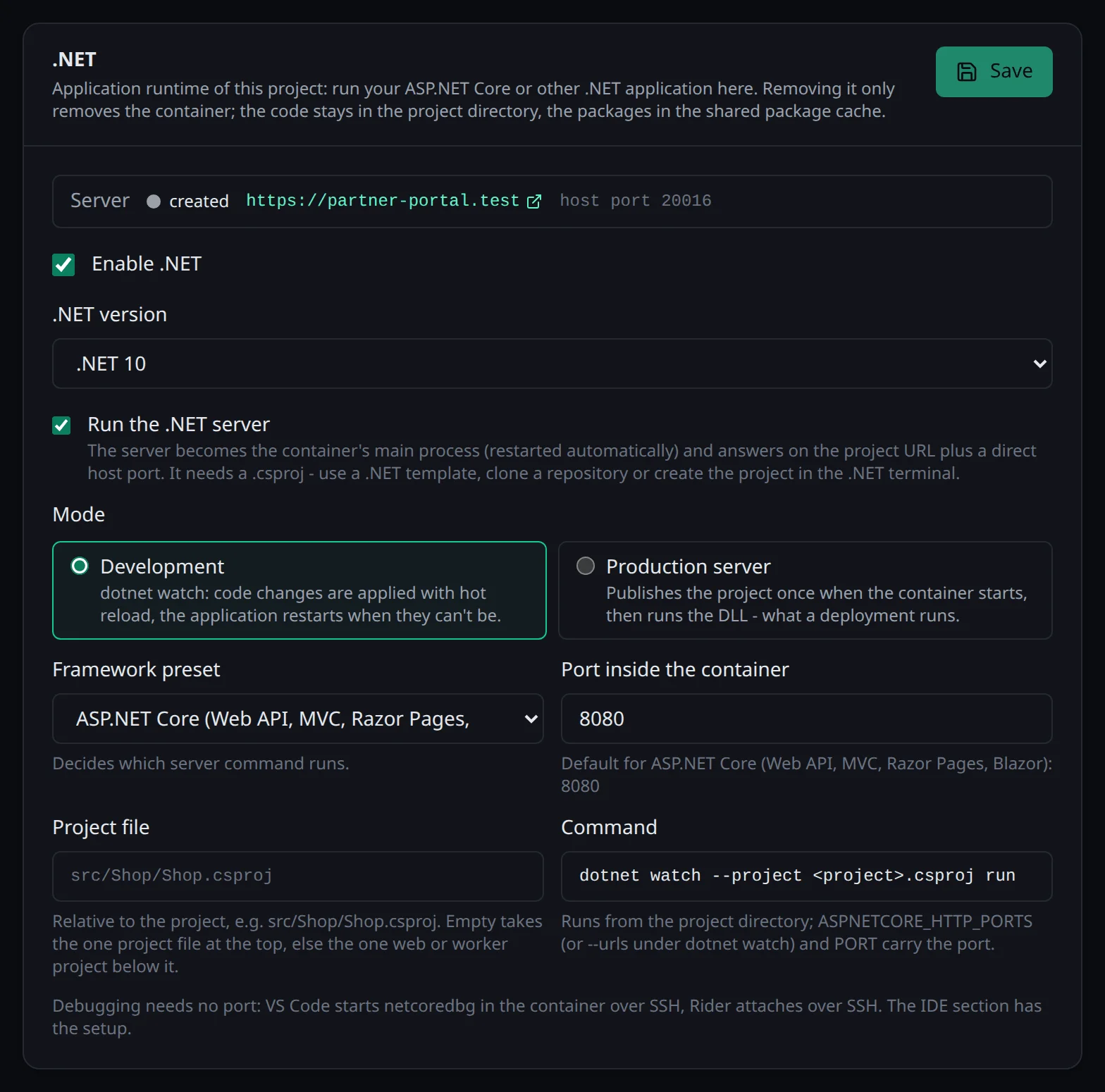
| Preset | Development | Production | Port |
|---|---|---|---|
| ASP.NET Core (Web API, MVC, Razor Pages, Blazor) | dotnet watch with hot reload |
dotnet publish -c Release, then run the DLL |
8080 |
| Other (publish, then dotnet <dll>) | - | publish, then run the DLL | 8080 |
In development, dotnet watch applies code changes with hot reload, and when an edit can’t be applied
that way, it restarts the application. Envoryx passes --urls http://0.0.0.0:<port>, which wins over
the applicationUrl of your launch profile - that one only listens on localhost, where the proxy
can’t reach it. dotnet watch’s browser refresh is switched off
(DOTNET_WATCH_SUPPRESS_BROWSER_REFRESH=1): the script it injects into every page connects to a
WebSocket on the container’s localhost, which no browser reaches. Hot reload still applies your
changes, you just reload the page yourself (a Blazor component updates over its own connection).
Production mode publishes into bin/envoryx-publish and starts the DLL from there, so wwwroot and
the appsettings files come from the published output, just like in a real deployment. The second
preset, for worker services and console hosts, has no dev mode: it publishes and runs the DLL you
name, or the application the publish produced.
ASPNETCORE_ENVIRONMENT and DOTNET_ENVIRONMENT are Development or Production to match the
mode. ASPNETCORE_FORWARDEDHEADERS_ENABLED=true makes the application trust the proxy’s
X-Forwarded-* headers, so redirects and generated links keep the scheme and host of your project URL.
Database
Section titled “Database”For the primary PostgreSQL, MySQL or MariaDB database, Envoryx injects
ConnectionStrings__DefaultConnection, which GetConnectionString("DefaultConnection") reads. It’s
in the ADO.NET form that Npgsql and the MySQL providers take, for example
Host=database;Port=5432;Database=…;Username=…;Password=…. An additional database called analytics
arrives as ConnectionStrings__analytics, MongoDB as ConnectionStrings__MongoDB and Redis as
ConnectionStrings__Redis.
Where it answers
Section titled “Where it answers”Without PHP and without a Python, Go, Ruby or Java server, the .NET server is the application:
https://<project>.<base> and every extra domain go straight to it, and Direct access is the .NET
host port. Blazor’s interactive components talk to the server over a WebSocket, which the proxy
passes through.
Templates
Section titled “Templates”ASP.NET Core Web API, ASP.NET Core MVC, Blazor Web App and ASP.NET Core Razor Pages
come from dotnet new (webapi, mvc, blazor, webapp), named after your project and built once.
They’re created with --no-https, because the Envoryx proxy already takes care of TLS.
The Web API is a minimal API with OpenAPI, and since .NET 9 that means a document, not a UI: in
development mode you’ll find it at /openapi/v1.json. There’s no Swagger page unless you add one.
With a PostgreSQL, MySQL or MariaDB database, the Web API template adds EF Core: the provider (Npgsql,
or Oracle’s MySql.EntityFrameworkCore for MySQL and MariaDB), Microsoft.EntityFrameworkCore.Design
and an AppDatabase.cs with a sample Todo entity behind GET and POST /todos. It creates the
tables with EnsureCreated on the first start. Once your model settles, switch to migrations. A
migration can’t create tables that already exist, and EnsureCreated made them without any
migration history, so it takes four steps: replace EnsureCreated with Migrate in
AppDatabase.cs, run dotnet ef migrations add Initial in the terminal, drop the tables
EnsureCreated made (or start from an empty database), then run the dotnet ef database update
action.
As soon as there’s a test project (xUnit, NUnit, MSTest, TUnit or the test SDK), the Tests section
runs dotnet test - on the solution at the top, or on the one test project. Several test projects
without a solution need one: dotnet new sln, then dotnet sln add. You can filter with
--filter, and the results per test, with file and line, come from the TRX report.
The run points ConnectionStrings__DefaultConnection at <database>_test, which Envoryx creates
first, so integration tests with WebApplicationFactory leave your development data alone. A project
on Microsoft.Testing.Platform (chosen in global.json) runs without the report and the filter; there
only the exit code counts.
Debugging
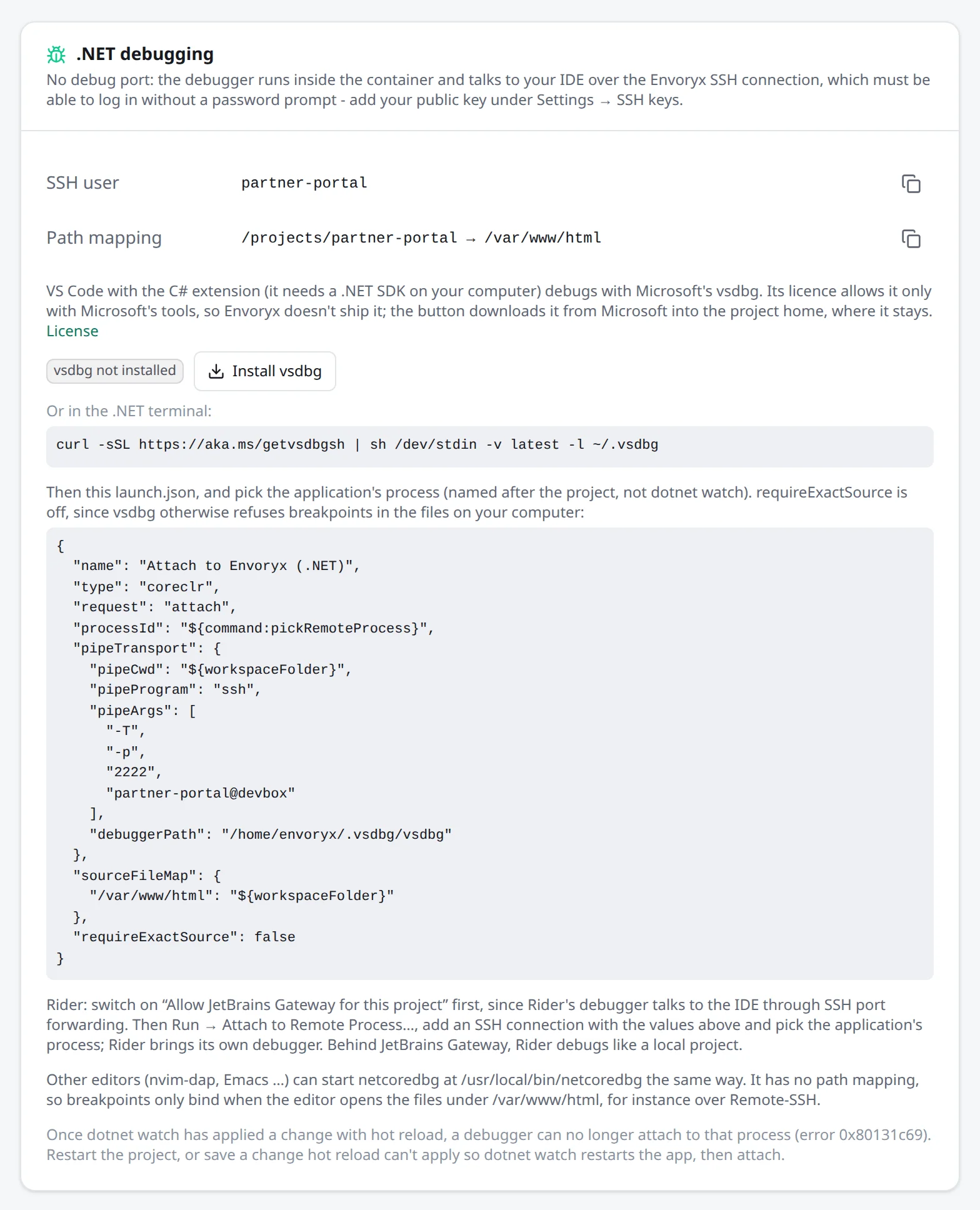
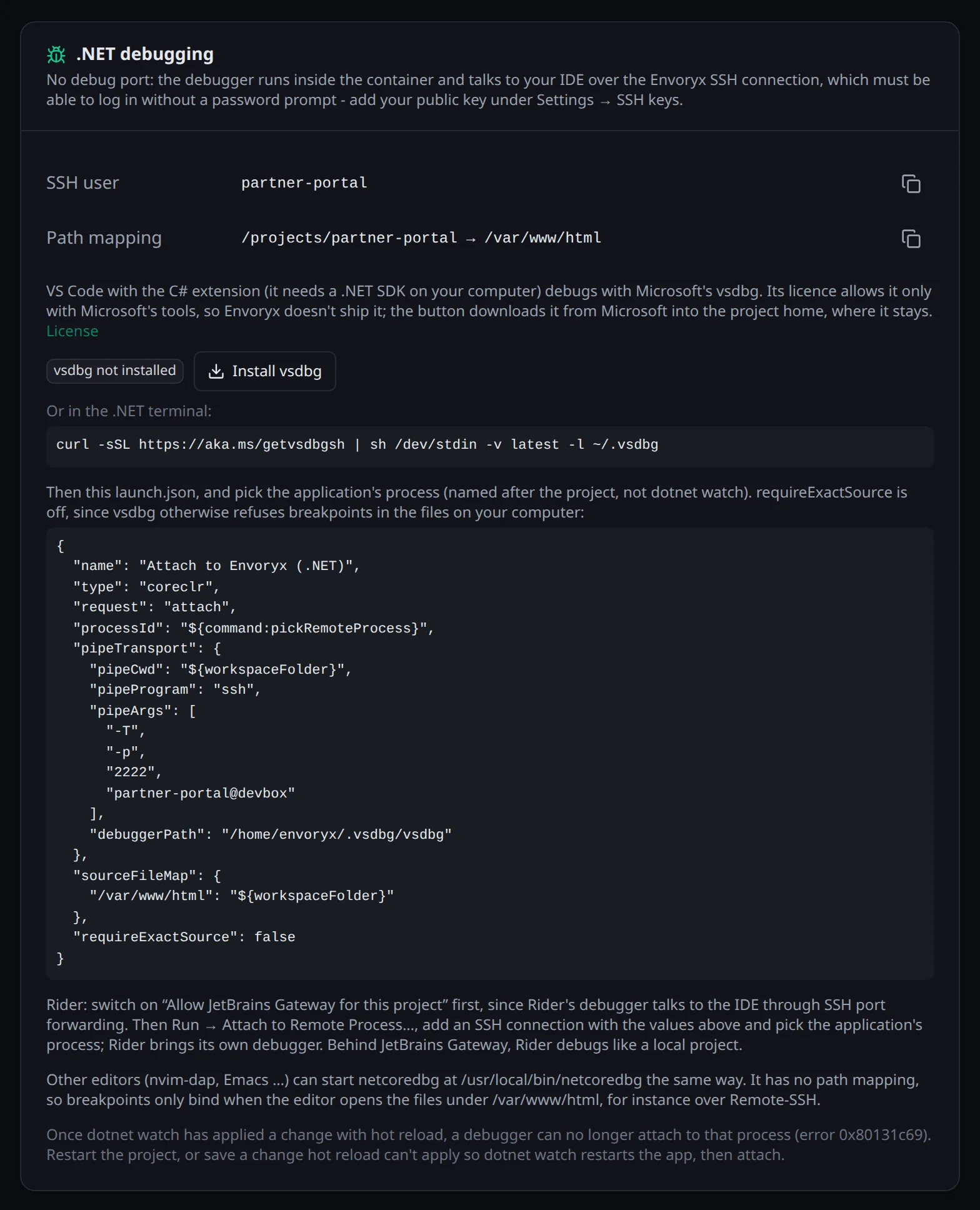
Section titled “Debugging”There’s no debug port for .NET. Your IDE starts a debugger inside the container over SSH and attaches
to the running application - under dotnet watch, that’s the process named after your project, not
dotnet watch itself. The SSH user <project> reaches the application container;
<project>.dotnet always picks the .NET one, which you need when the project has more than one
runtime. The IDE section shows the right one.
VS Code with the C# extension debugs with Microsoft’s vsdbg through pipeTransport. vsdbg may only
be used with Microsoft’s tools, so the image doesn’t ship it. Install vsdbg in the project’s IDE section
fetches it for you: it runs Microsoft’s install script in the .NET container, which downloads it from
Microsoft into the project home (about 200 MB), where it stays. The section then shows the version, and
the same button updates it later. It’s also the action dotnet:vsdbg. By hand, in the .NET terminal:
curl -sSL https://aka.ms/getvsdbgsh | sh /dev/stdin -v latest -l ~/.vsdbgThe C# extension also needs a .NET SDK on your computer, or it won’t debug at all. And store your public key under Settings → SSH keys first, since the pipe can’t answer a password prompt.
{ "version": "0.2.0", "configurations": [ { "name": "Attach to Envoryx", "type": "coreclr", "request": "attach", "processId": "${command:pickRemoteProcess}", "pipeTransport": { "pipeProgram": "ssh", "pipeArgs": ["-T", "-p", "2222", "<user>@<host>"], "pipeCwd": "${workspaceFolder}", "debuggerPath": "/home/envoryx/.vsdbg/vsdbg" }, "sourceFileMap": { "/var/www/html": "${workspaceFolder}" }, "requireExactSource": false } ]}-T tells ssh not to ask for a terminal, since the debugger talks over a plain pipe. Replace 2222 with your SSH port; the IDE section has the whole entry with the right values. requireExactSource is off
because vsdbg otherwise refuses every breakpoint in a file it gets from your computer.
The image still has netcoredbg (/usr/local/bin/netcoredbg) for other editors, like nvim-dap or Emacs.
It can’t map paths, though, so its breakpoints only work when your editor opens the files under
/var/www/html, for instance over Remote-SSH.
Mind hot reload when you debug. Once dotnet watch has applied a change by hot reload, the .NET
runtime refuses any debugger (CORDBG_E_ASSEMBLY_UPDATES_APPLIED, error 0x80131c69) until the application starts
again. So restart the project first and attach before you edit, or make a change that dotnet watch
can’t hot reload, after which it restarts the app. That’s a .NET rule, and it applies to Rider and
Visual Studio as well.
Rider and Visual Studio attach through Attach to Remote Process over an SSH connection as the same user. Rider’s debugger talks back to the IDE through SSH port forwarding, so switch on Allow JetBrains Gateway for this project in the IDE section first. Without it Rider says it’s connected but never stops, and your application hangs until you end the session. Rider can also open the whole project inside the container over JetBrains Gateway, see IDE integration.
Actions and workers
Section titled “Actions and workers”The Actions section has dotnet --info, restore, build, clean, format and
list package --outdated (these need a solution or project file at the top), and
dotnet ef database update and dotnet ef migrations list for a project that references
Microsoft.EntityFrameworkCore.Design.
For background work there are two worker presets: Project publishes a project inside the worker’s
container and runs it, so the stop signal reaches your application, and DLL runs dotnet <file>.
The Workers & cron section shows what a Project worker really runs: dotnet publish, then
dotnet <dll>.
Cron jobs run in the .NET container like in any other. More under
Workers and cron jobs.
Adding or removing .NET later
Section titled “Adding or removing .NET later”The .NET card in the Runtime section has an Enable .NET switch. Turning it off removes the .NET
container and the containers of the .NET workers; your files and the worker definitions stay. On the
command line, envoryx takes --dotnet <version>, --dotnet-server and
--dotnet-preset aspnetcore|dll.