
Managed instances
This page is for hosters who rent out machines with Envoryx on them, and for their customers who want to know why some things look different on their instance. If you run Envoryx for yourself, none of it applies: without a plan and without a fleet manager, Envoryx behaves exactly as it always did.
A plan only binds someone who can’t change it. So the idea is a managed machine: the customer gets Envoryx (the web UI, SSH into the project containers, SFTP, the API), but no shell on the machine and no access to the Docker socket.
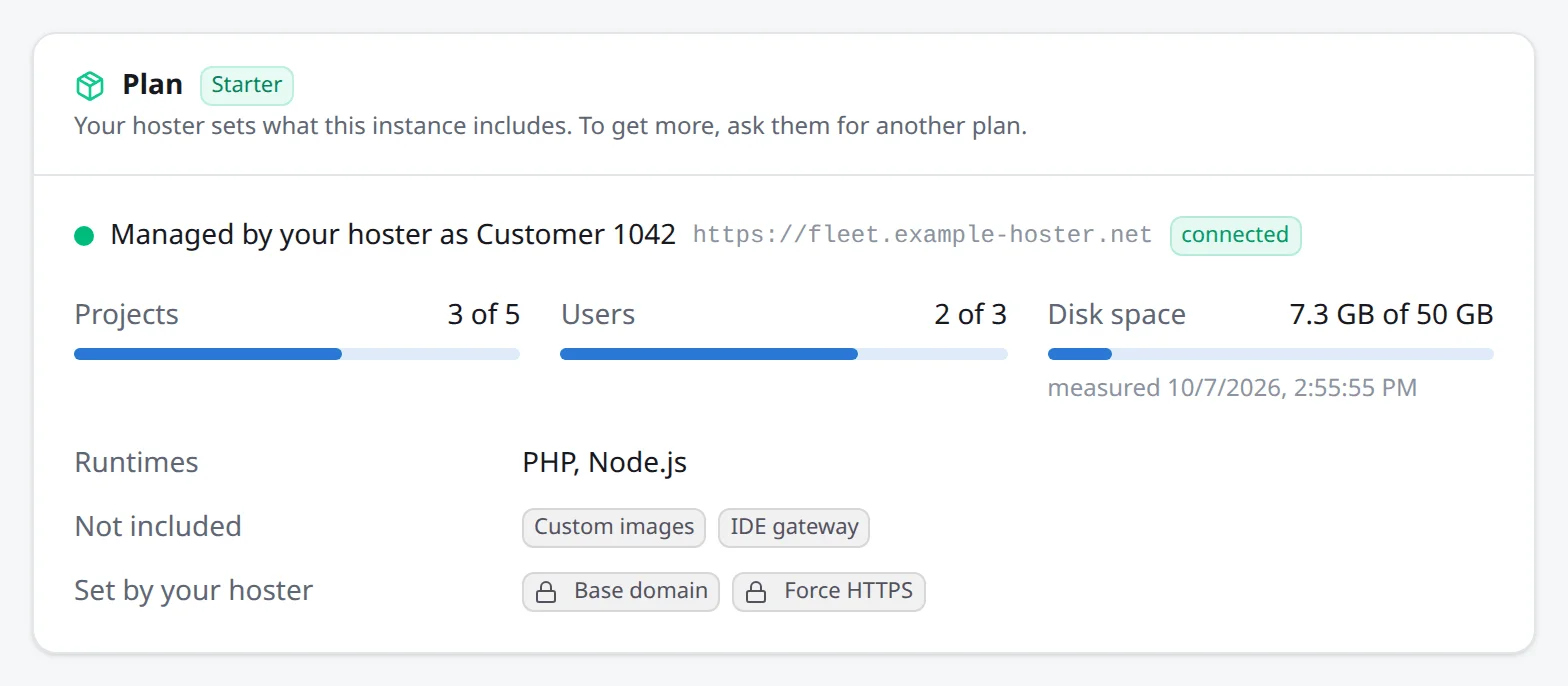
A plan is the file /config/plan.json. It says how many projects and active users an instance
may have, how much disk space in GiB its projects may take (directories, volumes and backups), which
runtimes new projects may use, which features are switched off (addons, customImages,
branchEnvironments, externalServices, offsite, ideGateway) and which instance settings
the hoster fixes, such as the base domain.
{ "name": "Starter", "limits": { "projects": 5, "users": 3, "diskGb": 50 }, "runtimes": ["php", "node"], "disabled": ["customImages", "ideGateway"], "settings": { "baseDomain": "c1042.example.net", "forceHttps": true }}Envoryx checks the file every 30 seconds. A plan only limits what comes next: a smaller plan
doesn’t delete a project, it just refuses the next one. The refusal comes back with a clear
message (HTTP 403, code plan_limit), and the UI hides what the plan leaves out: the Runtime tab
of a project offers only the runtimes in the plan (plus those the project already has), and at the
project or user limit New project and Invite user are disabled with a hint. The customer
finds the plan and how much of it is used under Settings → General; fixed settings show a lock.
All fields are listed in DEPLOYMENT.md, Plans.
The fleet manager
Section titled “The fleet manager”Writing plan.json onto every machine by hand gets old quickly. The fleet manager is a separate
service where you keep the plans and the instances in one place. You add an instance there and
get a one-time token; the instance starts with
ENVORYX_FLEET_URL=https://fleet.example.netENVORYX_FLEET_TOKEN=…and enrolls on its first start with a key of its own (kept in /config/fleet.json, never in an
instance backup). From then on it keeps a connection to the manager open. It dials out, so the
customer’s machine needs no open port. The manager pushes the plan, and the instance reports its
version, projects, users, disk space and backups every minute.
On the instance the customer sees Managed by your hoster under Settings → General.
If you removed an instance from the manager and want it back, add it again to get a new token, set
that as ENVORYX_FLEET_TOKEN on the instance and restart it. A token it hasn’t enrolled with
before makes it enroll again, so there’s no need to delete /config/fleet.json.
Suspending an instance
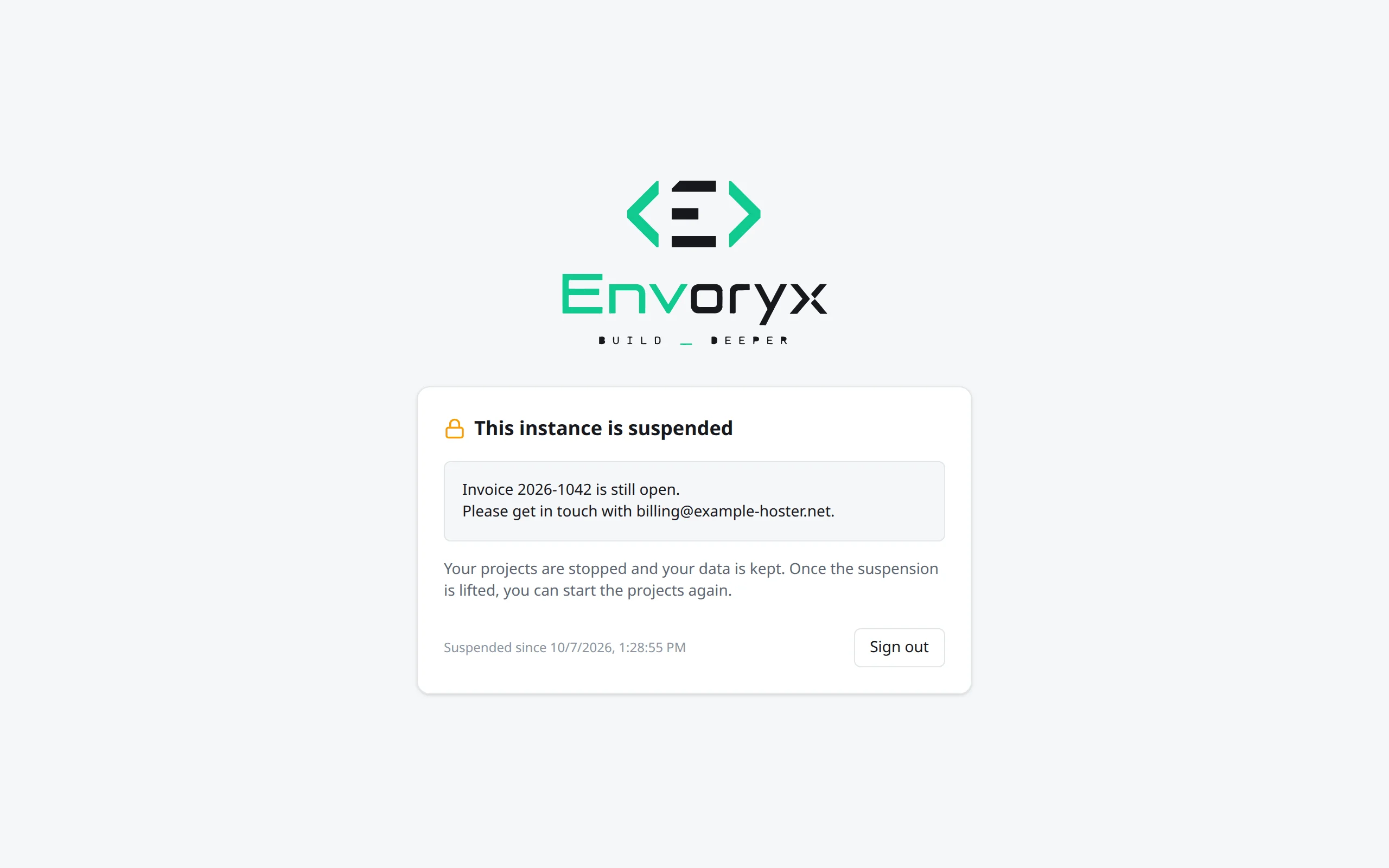
Section titled “Suspending an instance”When an invoice stays open, you can suspend the instance from the manager, with a message for the customer if you like. The instance then stops all projects (as if the customer had stopped them), refuses everything else and shows signed-in users only a page with your message and a sign-out button. The API, MCP, SSH and SFTP refuse too. Nothing is deleted.
Lifting the suspension opens the instance again, but starts no project: the customer decides what runs. A suspended instance comes back suspended after a restart, and it stays suspended when you remove it from the fleet, so lift it first if the customer should keep using it.
Support access
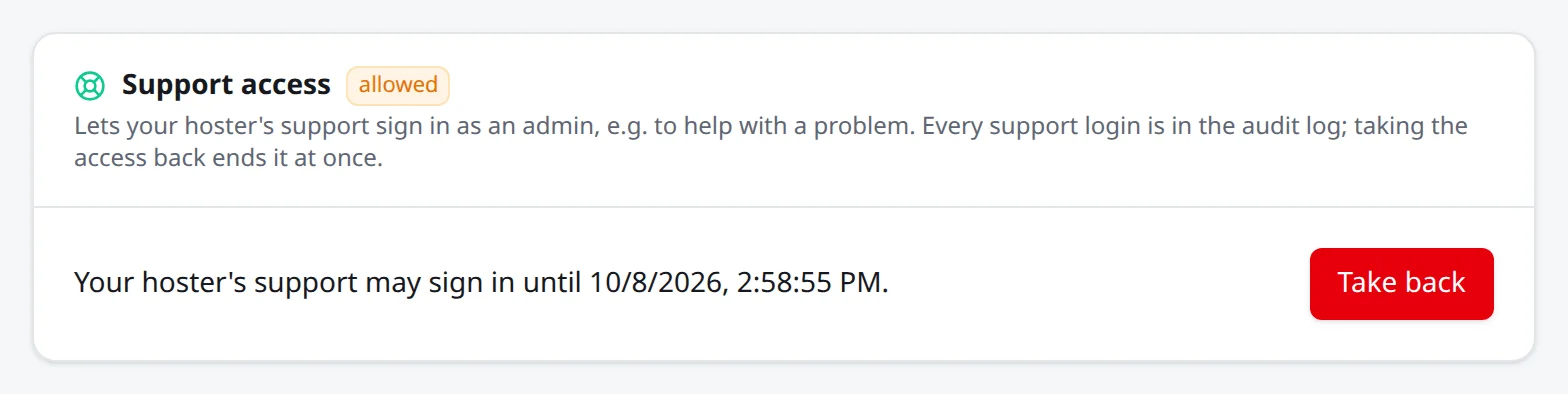
Section titled “Support access”Sometimes you need to look at a customer’s instance to help. Envoryx only lets you in when the customer’s admins allow it, under Settings → General → Support access: for an hour, a day, a week or until they take it back. While it’s allowed, the manager offers Support login, which opens the instance in a new window, signed in as the user “Hoster support”.
That user is an admin, but it doesn’t count towards the plan’s users, isn’t listed and can’t sign in with a password. It can’t create API tokens, store SSH keys or extend its own access. It also keeps away from everything that decides who gets in: it can’t invite, change or delete users, change their project roles, create invitation or password links, touch single sign-on or the instance’s SSH keys, and it can’t restore an instance backup, which would bring back that backup’s accounts and tokens. Those parts of Settings show up read-only for it. So nothing you do outlasts the customer’s consent. When they take it back, your session ends at once. Every support login, with the name of the hoster’s user who asked for it, is in the audit log.
Backups for the hoster
Section titled “Backups for the hoster”A plan can name an offsite target of yours (S3, SFTP or WebDAV, with the same fields as the
offsite targets on an instance). Every instance with the plan then copies
its daily instance backup there, into a folder of its own
(<prefix>/<instance ID>), and with projects also its scheduled project backups. Turn on
encryption, so the copies are sealed before they leave the machine.
The customer sees the target under Settings → Backups marked from your hoster and can fetch copies from it after losing the machine, but can’t change or delete it. It keeps working when the plan switches the customer’s own offsite targets off: backups still go up, and copies can still be fetched from it.
In the manager you can take an instance backup right away, and you see the newest ten with the ones that reached your target. An instance whose last backup is older than two days is marked as needing attention.
Updates
Section titled “Updates”The manager can update one instance, or every instance that runs an older version, to another release. The instance pulls the image of that version and starts a short helper container, which replaces the Envoryx container with a new one with the same settings and waits for its health check. If the new version doesn’t come up, the helper brings the old container back, and if the new version had already changed the database, the old one restores it from the backup taken right before. The project containers keep running; only their addresses are unreachable for the few seconds the swap takes, because the proxy is part of Envoryx.
How the last update went shows in the manager and in the instance’s audit log. A failed update is reported right away, also when the new image is so broken that the helper can’t even run. While an update is under way, the manager refuses to start a second one for the same instance.
Updating from the manager needs Envoryx to run in a container it can find; on Unraid, use Unraid’s own update instead, so the template stays in step.