
Node.js
The Node.js container (envoryx-<project>-node, image ghcr.io/envoryx/envoryx-node:<version>)
comes with npm, pnpm and yarn, and it can play two quite different roles.
Next to PHP, Python, Go, Ruby, Java or .NET it’s your toolchain: it runs npm run build for the assets, or a
Vite dev server for the frontend while the backend does its own thing. In a Node.js project - start
from a Node.js template, or pick Node.js application for an empty project - it is the application, and you don’t need PHP
at all.
Versions
Section titled “Versions”24 is the default, because it’s the current LTS. 22 is LTS too, and 26 is there if you want the newest features. 20 and 18 are still offered for projects that can’t move yet, but they’re past their end of life.
When you switch the version, the containers come back on the new Node.js, but node_modules stays
as it is. Pure JavaScript packages don’t care. Native modules (bcrypt, better-sqlite3 and friends)
were built for the old version, so run npm rebuild (or reinstall) from the terminal afterwards.
What’s in the container
Section titled “What’s in the container”The container has no NODE_ENV of its own. An npm run build from the Actions section or the
terminal therefore builds the way the tools do by default, which for Next.js and Vite means a real
production bundle, and npm install still installs your devDependencies. Only the dev server sets
NODE_ENV=development for itself (unless you set your own in the Environment section), and a
production build runs with NODE_ENV=production. Workers and cron jobs follow the dev server: they
get production while it serves a production build and development otherwise, and in development
a NODE_ENV you set yourself wins for them too. In production mode it’s always production.
pnpm and yarn come through Corepack, and yarn is the current Yarn (4.x), not Yarn 1. If your
project still uses Yarn 1, pin it in package.json with "packageManager": "yarn@1.22.22", and
Corepack fetches that version for this project.
There’s no compiler toolchain in the image (no Python, make or g++). Native modules work as long
as they ship a prebuilt binary for your Node.js version and Linux, which the common ones do. A package
that has to fall back to building from source with node-gyp fails with something like
gyp ERR! find Python. Then it usually helps to pick a version of that package that has a prebuild
for your Node.js version, or to stay on the Node.js version it was made for. If the package really
has to compile, a custom image with build-essential and Python on
top of the Envoryx one does it.
Running a dev server
Section titled “Running a dev server”Turn on Run a dev server for the Node.js service, either in the wizard or in the Runtime section.
The container then runs a script from your package.json (dev unless you pick another) as its main
process and restarts it if it crashes.
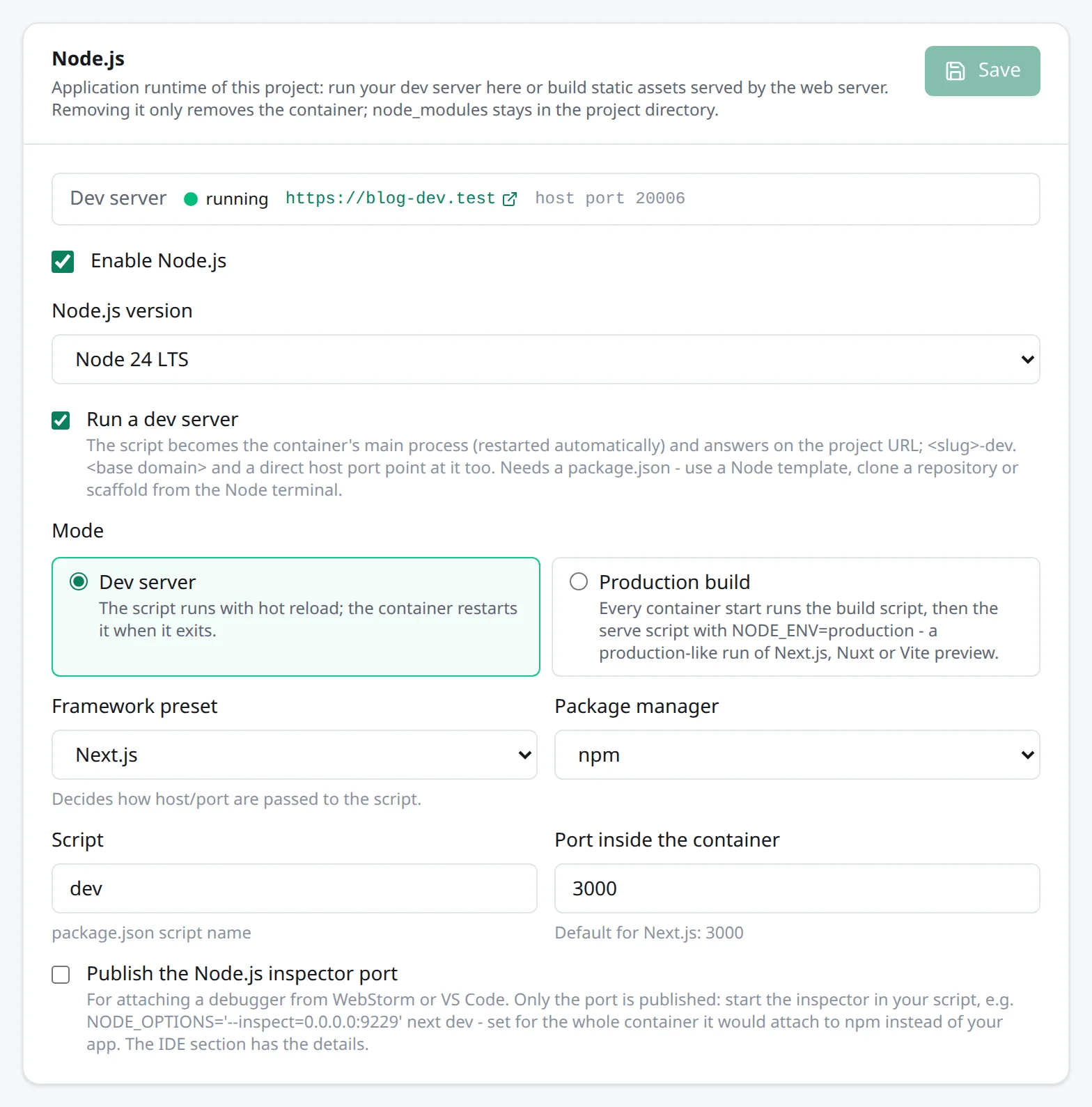
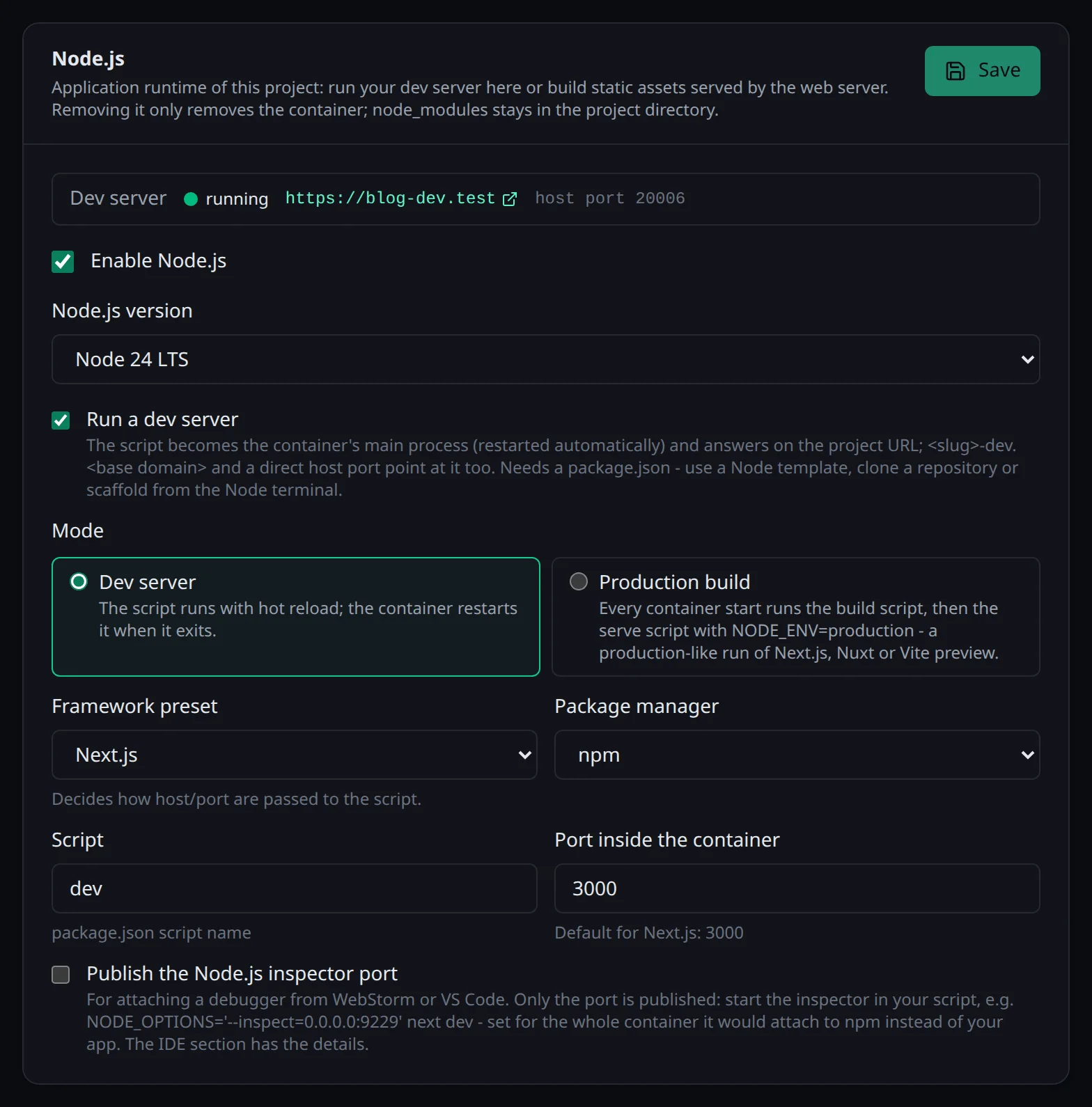
Frameworks disagree on how they want to be told host and port, so there are presets:
| Preset | What Envoryx passes | Default port |
|---|---|---|
| Vite | --host 0.0.0.0 --port |
5173 |
| Next.js | -H -p |
3000 |
| Nuxt | --host --port |
3000 |
| Other | only sets HOST and PORT |
- |
With npm the flags come after a -- (npm run dev -- --host 0.0.0.0 …), which npm swallows. pnpm
and Yarn would hand that -- on to the script, and Vite would then ignore everything behind it and
listen on localhost only, so with those two the flags follow the script name directly.
For Laravel’s Vite plugin behind the dev host, see the PHP page: the
dev server’s address reaches every container of the project as ENVORYX_DEV_URL.
Where it answers
Section titled “Where it answers”In a Node.js project without PHP, the proxy sends https://<project>.<base>, every extra domain and
https://<project>-dev.<base> to the dev server - hot module reloading over WebSockets included. The
container also gets a host port of its own (Domains section → Direct access), which works even before
you’ve set up any DNS.
Next to PHP it’s the other way round: PHP stays the application, and the dev server keeps
https://<project>-dev.<base>.
While the dev server serves the project, the web container’s port is deliberately not published.
Otherwise the document root - usually the whole project with its .env and sources - would be
readable from your network. Switch the dev server off and the port comes back with the same number.
The dev server’s preset, script and port stay stored while it’s off, and it keeps its host port too,
so switching it back on (in the UI, the API or the CLI) brings it back exactly as it was.
Vite’s host check
Section titled “Vite’s host check”Vite refuses requests for host names it doesn’t know. Envoryx sets
__VITE_ADDITIONAL_SERVER_ALLOWED_HOSTS=.<base>, which lets <project>.<base>,
<project>-dev.<base> and every extra domain under your base domain through. If you add a domain
outside the base domain, put it into server.allowedHosts in your vite.config. Nuxt doesn’t
check hosts. Next.js 15 and newer do check where dev requests come from, and Fast Refresh never
connects from an origin missing in allowedDevOrigins. The Next.js template writes that list into
next.config.ts for you: *.<base>, which covers the project, its dev host and a later rename, plus
the extra domains the project has when you create it. If you attach a domain outside the base domain
later, add it there yourself. For a Next.js app you brought along, the page loading fine while hot
reloading stays silent behind a project domain is the sign that this list is missing.
A fresh checkout
Section titled “A fresh checkout”A brand-new Node.js project has no package.json yet, so there’s nothing to run. Instead of
crash-looping, the dev server waits and says so in the log (envoryx: waiting for package.json …).
That goes for a dev server next to PHP too.
Once there’s a package.json with dependencies but no node_modules, say right after a clone, the
dev server installs them before it starts. It only does that from a lockfile and in frozen mode:
npm ci for package-lock.json, pnpm install --frozen-lockfile for pnpm-lock.yaml and
yarn install --frozen-lockfile for yarn.lock. That way you get exactly what the repository pins,
and Envoryx never rewrites one of your files. Without a lockfile, or when the install fails, the dev
server waits instead (envoryx: waiting for node_modules …), and the project overview tells you so.
Run the install from the Actions section then, and the server starts as soon as it’s done. When the
Node.js card names pnpm or Yarn as the package manager, their install and build actions are
there from the start, before any lockfile exists, so a fresh pnpm or Yarn project doesn’t end up
with a package-lock.json. The actions and envoryx project exec run with CI=1, which on its own
makes Yarn 2+ and pnpm refuse to touch the lockfile; Envoryx switches that off for them, so yarn install can write a new yarn.lock or add a dependency to an existing one. Workers
wait for the dependencies too, but they never install them, so two installs don’t run into each
other. Templates install their dependencies while the project is created.
Production and static builds
Section titled “Production and static builds”Sometimes you want to see how the app behaves when it’s built for real. Switch the mode to
Production build in the Runtime section: every container start then runs the build script (build by
default) and afterwards the serve script (start, or preview for Vite and Nuxt) with
NODE_ENV=production. Both are names of scripts in your package.json, not commands. To serve a Nuxt
build with node .output/server/index.mjs, for example, add a start script with that line and pick
it. For a Next.js or Nuxt app with server-side rendering that’s a production-like
run behind the same URLs.
If your app compiles to plain files, you don’t need a Node.js server at all. Turn the dev server off,
point the document root at the build output (dist for Vite - the template already does that - or
out for a Next.js static export) and run npm run build. For client-side routing, also enable
SPA fallback to index.html on the Web server card, so a reload on /settings doesn’t end in a
404.
Debugging
Section titled “Debugging”Publish the Node.js inspector port in the Runtime section (it needs the dev server) publishes port
9229 on a host port of its own. The IDE section shows host, port, path mapping and package.json
examples.
Envoryx doesn’t put NODE_OPTIONS=--inspect on the container on purpose: npm is a Node process too
and would grab the port before your app does. Start the inspector in your own script instead, for
example NODE_OPTIONS='--inspect=0.0.0.0:9229' nuxt dev or node --inspect=0.0.0.0:9229 server.js, then attach WebStorm (Attach to
Node.js/Chrome) or VS Code (request: attach).
Next.js is a special case: it opens the inspector of its server process, where your server code
runs, one port above the one in --inspect. So start it one below the published port, with the
default port 9229 that’s NODE_OPTIONS='--inspect=0.0.0.0:9228' next dev, and the server process
lands on 9229, the one the host port leads to. The example in the IDE section does exactly that for
whatever Inspector port inside the container is set to.
Templates, actions, tests and workers
Section titled “Templates, actions, tests and workers”The templates are Vite + React (TypeScript), Next.js (App Router, TypeScript) and Nuxt.
In the Actions section you’ll find node -v and the install and build commands of npm (install, ci,
run build), pnpm and yarn. pnpm’s and Yarn’s need their lock file, unless the project’s package
manager is set to that one (see above).
The Tests section picks up the test scripts of your package.json, Playwright and Cypress; see
Actions and tests. And for anything long-running there are the
npm script (npm run <name>) and Node.js script (node <file>) workers, described under
Workers and cron jobs.