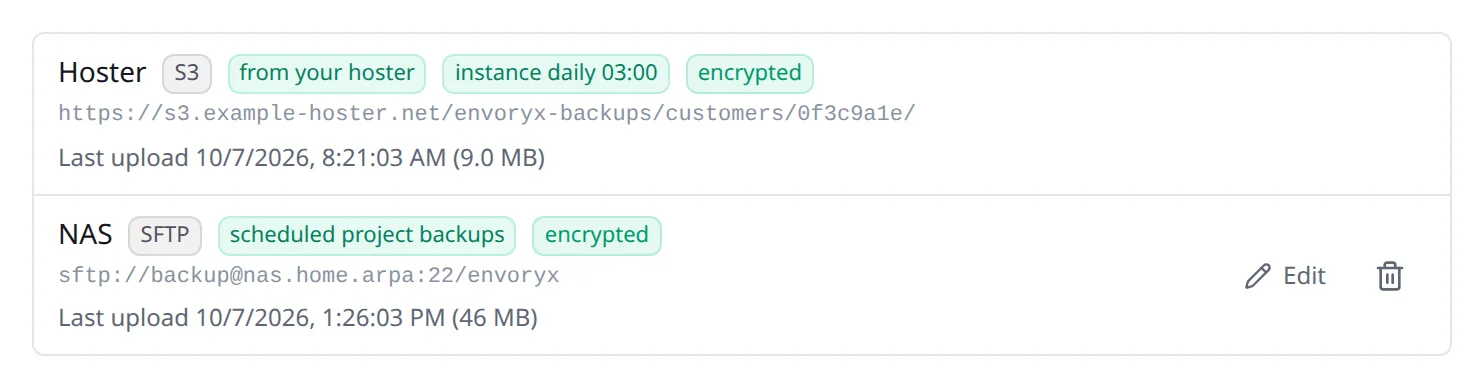
Offsite backups
Backups that sit on the same disk as your projects won’t save you from a dead disk, a stolen NAS or a fire. Offsite backups copy them somewhere else. You set that up under Settings → Backups → Offsite backups. The local backups stay your working copies; every target keeps its own set.
Targets
Section titled “Targets”Three kinds of storage work, and most people already have one of them:
| Type | For | What it needs |
|---|---|---|
| S3-compatible | AWS S3, Backblaze B2, Wasabi, Hetzner Object Storage, Cloudflare R2, MinIO | endpoint URL, bucket, region, access key and secret key |
| SFTP | Hetzner Storage Box (port 23), a NAS, any SSH server | host, port, user, password and/or an OpenSSH private key without passphrase |
| WebDAV | Nextcloud/ownCloud (https://cloud.example.com/remote.php/dav/files/<user> with an app password), Storage Box, NAS |
URL, user, password |
Before you rely on a target, press Test. It writes a small file, lists, reads and deletes it
again, so you know the credentials really work. For SFTP it also remembers the server’s key: if
that key changes later, uploads stop until you clear the pin - that’s on purpose, a changed key
can mean someone is in between. The credentials are stored in /config/offsite.json (mode 0600)
and never go back to the browser.
What gets copied
Section titled “What gets copied”Each target decides for itself what it receives.
Scheduled project backups go up as soon as they’re done, for every project. Keep per project rotates those copies on the target (0 keeps all of them); copies you made by hand are never rotated away.
The daily instance backup is the other half. At the hour you choose, Envoryx makes an instance backup and copies it. That’s the piece a fresh Envoryx needs after the old host is gone, so it’s worth switching on.
You can also send a single backup whenever you like: Copy offsite next to a backup, Also copy offsite when you create one, or from the command line:
envoryx backup create shop --offsiteenvoryx backup offsite shop <backup>Uploads run in the background. If one fails, Envoryx tries again after 5, 15 and 45 minutes and after 2 hours, and every failure sends the Backup failed notification. The Backups section shows where each copy stands.
Encryption
Section titled “Encryption”Backups carry the project’s passwords, tokens and data, so encryption is on by default - it’s a
switch per target. Before an archive leaves the host, Envoryx encrypts it with
age and your passphrase. The storage provider only ever sees
.age files.
You don’t need Envoryx to open the files, by the way: age -d -o backup.tar backup.tar.age
does it.
On the target everything sits below one folder (envoryx by default, so several instances can
share a bucket):
projects/<slug>/<backup>.<contents>.<source>.tar[.age]instance/<instance backup id>.tar.gz[.age]Getting a backup back
Section titled “Getting a backup back”The Offsite copies card in a project’s Backups section lists what the target holds for that project - including backups you’ve already deleted locally. Fetch brings one back into the local list, and from there you restore it as usual.
envoryx backup remote shopenvoryx backup fetch shop <backup> # --target NAME when there are severalAfter losing the host
Section titled “After losing the host”This is the moment the whole setup is for. The order matters, because the instance backup brings back the projects and the targets, and the project backups then bring back the data:
- Start a fresh Envoryx and create an account.
- Under Settings → Backups, add the same target with the same folder and passphrase.
- Under Instance backups → From an offsite target, fetch the newest one and restore it. Envoryx restarts with the old accounts, projects, settings and targets - sign in with your old credentials.
- For each project, go to Backups → Offsite copies → Fetch and restore database, files and bucket. Starting the project recreates its containers.
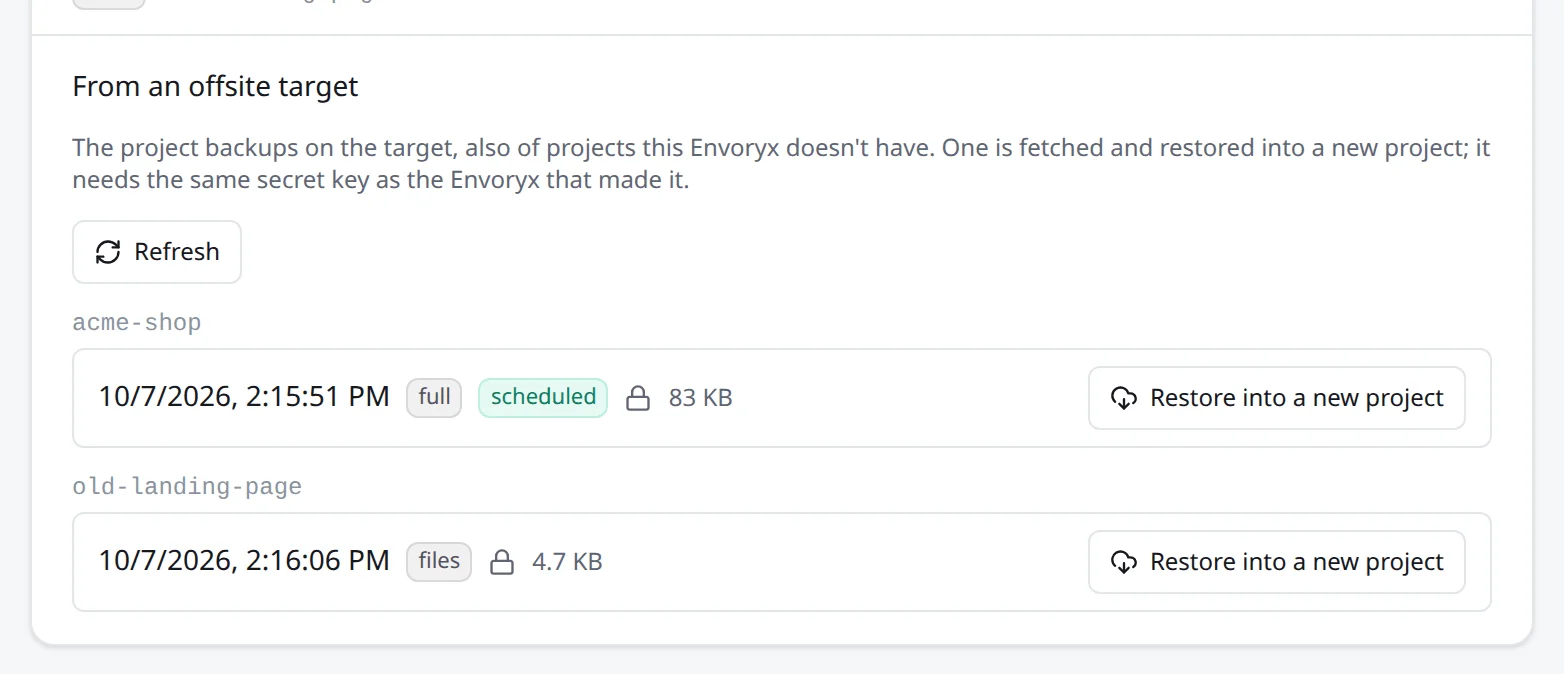
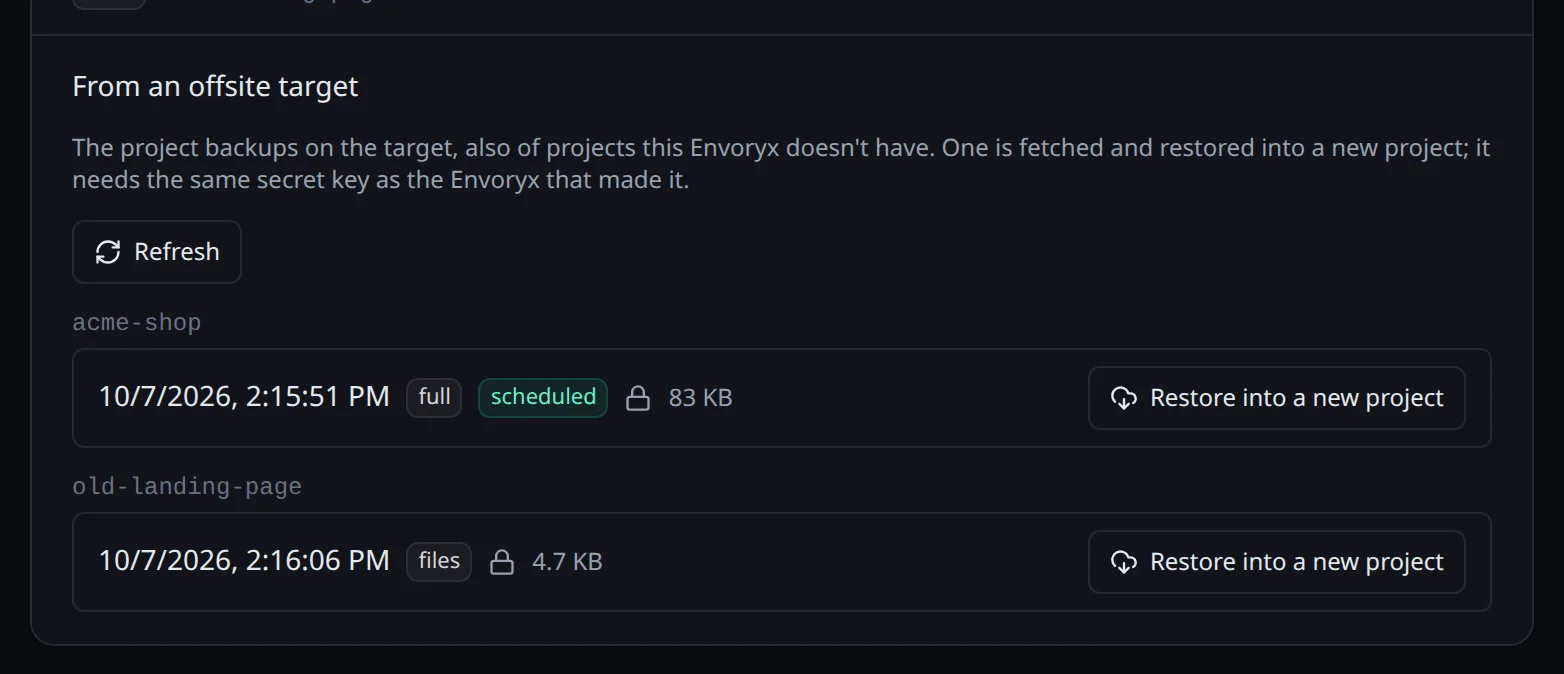
A project the instance backup doesn’t know about - made after it, or there’s no instance backup at all - comes back on its own: Settings → Backups → Backups of deleted projects → From an offsite target lists every project on the target, and Restore into a new project fetches the backup and sets the project up again with the settings it was made with.
On the command line:
envoryx backup recover # every project's backups on the targetenvoryx backup recover blog # the newest backup of blog, as a new projectThe project settings in a backup are sealed with the instance’s secret key, so this needs the key of the old instance. That goes for your own instance too after you’ve replaced its key: the copies already on a target aren’t re-encrypted, so the older ones keep needing the old key. If the key is missing, the error names the ID of the one the backup needs.
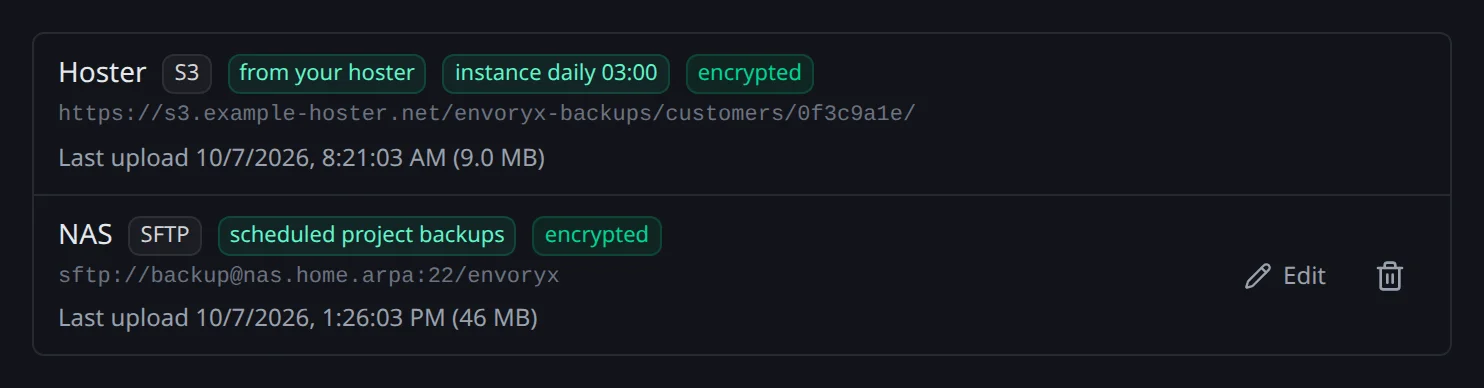
A target from your hoster
Section titled “A target from your hoster”If a hoster manages your instance, the plan can bring a target of theirs. It shows up in the list marked from your hoster: your daily instance backup goes there, and you can fetch copies from it like from your own, but you can’t change or delete it. More on that under Managed instances.