Creating projects
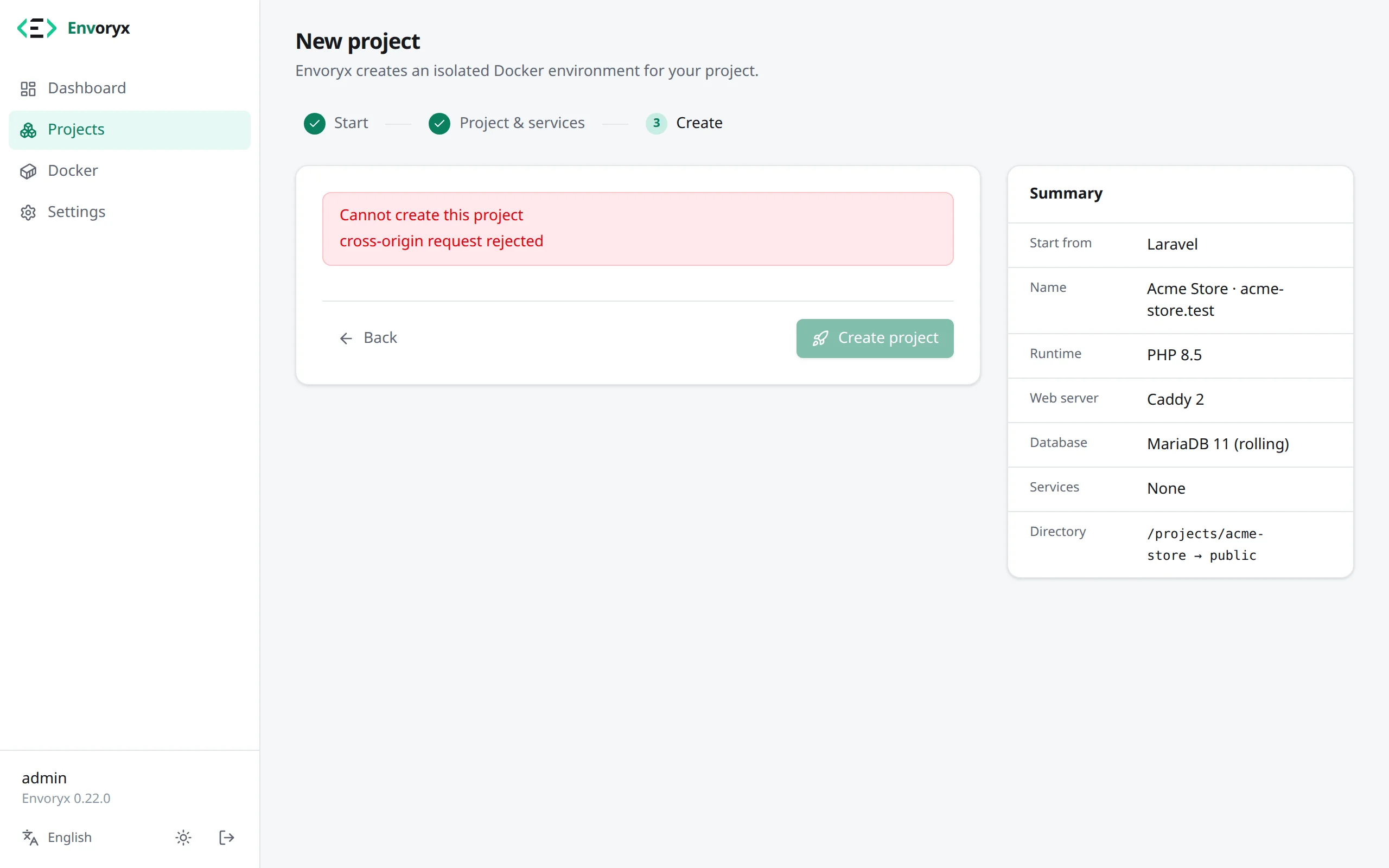
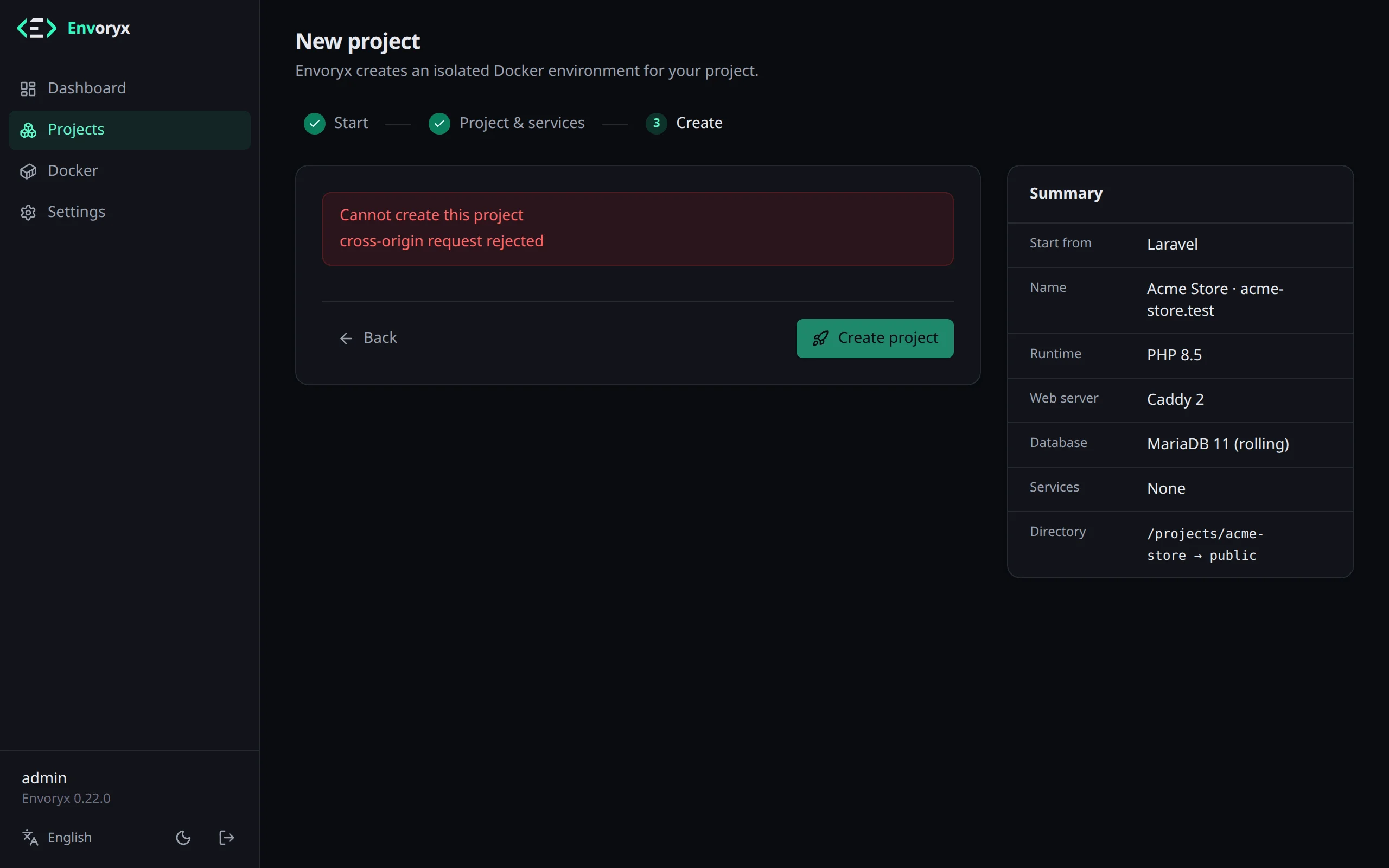
Every project starts in the wizard under New project - or, if you prefer, from the command line or through the MCP server. The first project page walks through its three steps. This one is about the interesting part: what ends up in the new project folder.
Envoryx creates that folder below /projects, owned by PUID:PGID. A template, a repository or
an uploaded website needs it empty or not there yet, because they fill it from scratch. A project
without any of those is different: point it at a folder that already holds code, and Envoryx
takes the files as they are. That’s the quickest way to give an application you already have on
the host a stack of its own.
From a template
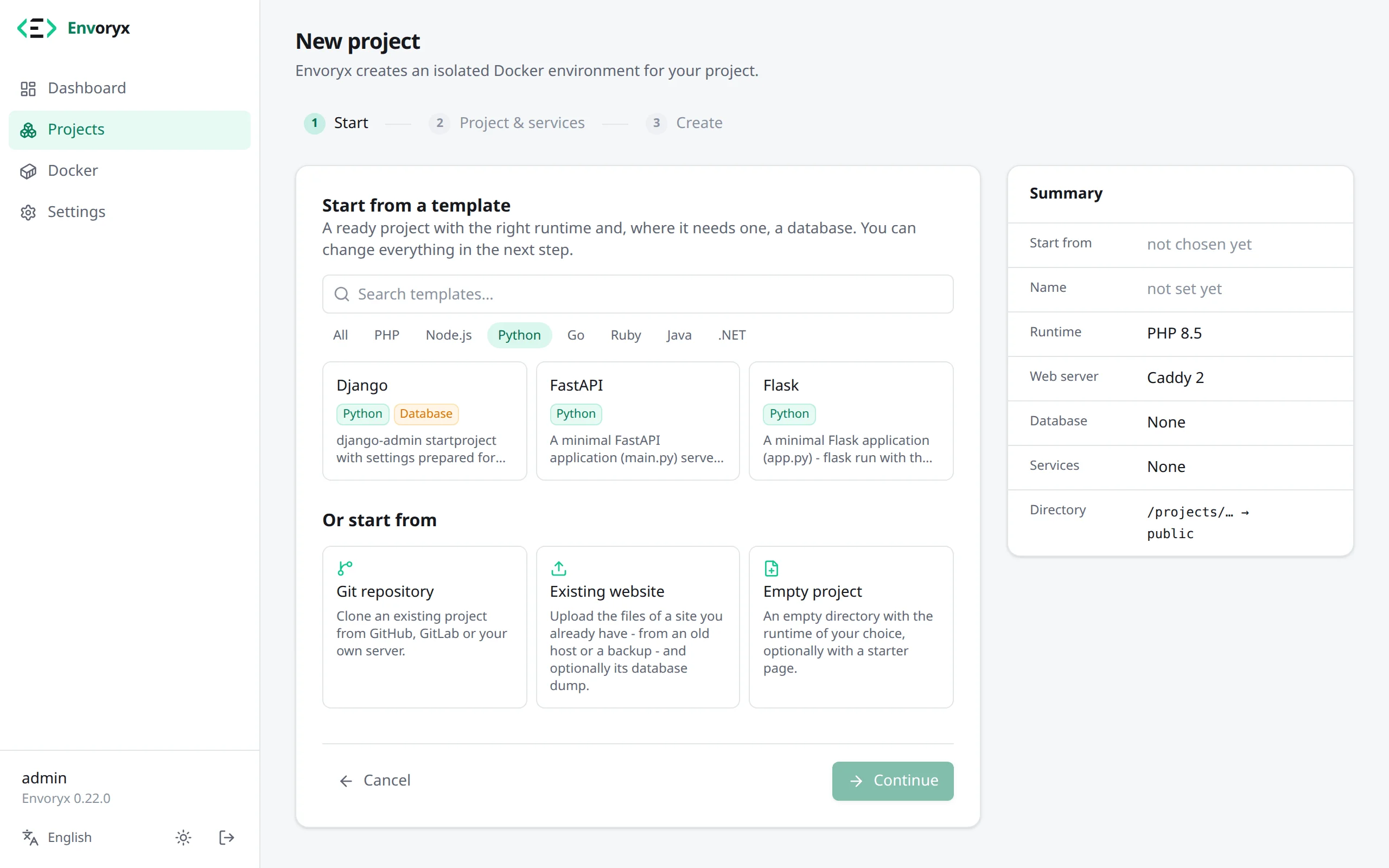
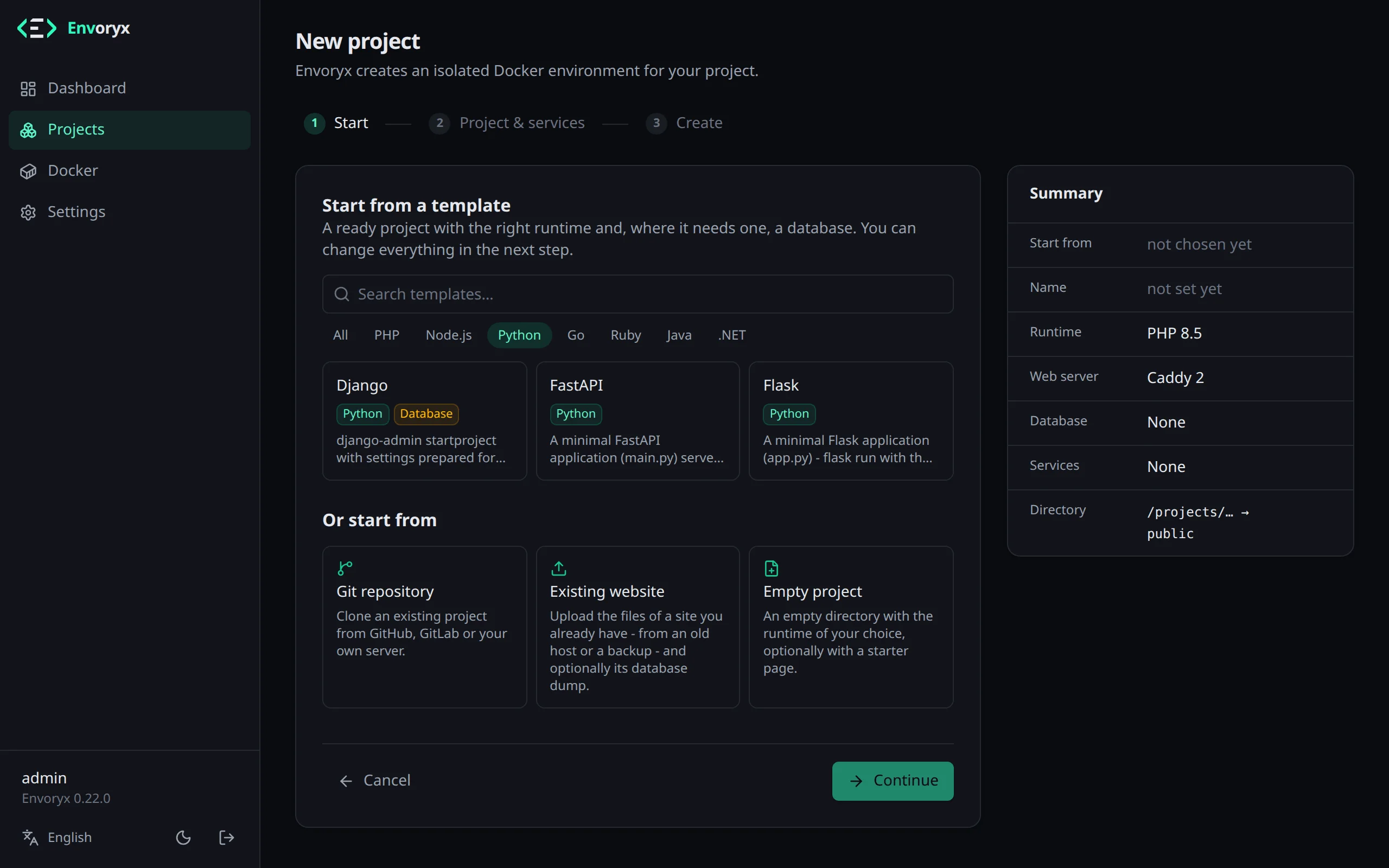
Section titled “From a template”A template scaffolds a fresh application for you. It runs in a short-lived container from the project’s runtime image, as the project owner, and where the framework needs a database it gets wired to the project’s one. Downloads go into a shared package cache, which is why your second Laravel project comes up a lot faster than the first.
| Runtime | Templates | After creation |
|---|---|---|
| PHP | Laravel | Run artisan migrate from the Actions section. |
| PHP | Symfony (skeleton plus the webapp pack) | Run doctrine:migrations:migrate. |
| PHP | WordPress | Open the site to run the WordPress installer. |
| PHP | Drupal (with Drush) | Open the site, or run drush site:install - it prints the admin password. |
| PHP | TYPO3 | Run typo3 setup from the Actions section - it prints the admin password - or use the web installer on the site. |
| PHP | Shopware | Run Shopware system:install from the Actions section; the login is admin / shopware. |
| PHP | Craft CMS | Run craft install, or open /admin/install. |
| Node.js | Vite + React (TypeScript), Next.js (App Router, TypeScript), Nuxt | The dev server answers on the project URL. |
| Python | Django, Flask, FastAPI | Django: run manage.py migrate. |
| Go | Go (net/http), Gin, Echo | air rebuilds the server on every change. |
| Ruby | Rails, Rails (API only), Sinatra | Rails: Envoryx runs rails db:prepare once the project is up; run it from the Actions section if you created the project stopped. |
| Java | Spring Boot, Quarkus REST | The server answers on the project URL; the first build fills the Maven cache. |
| .NET | ASP.NET Core Web API, ASP.NET Core MVC, ASP.NET Core Razor Pages, Blazor Web App | dotnet watch applies changes with hot reload. |
The CMS templates - Drupal, TYPO3, Shopware and Craft CMS - can’t do without a database, so the wizard picks one for you. In the wizard’s gallery the popular templates come first, and Show all templates, the search and the runtime filter find the rest. Each runtime page has the details on its templates.
From a Git repository
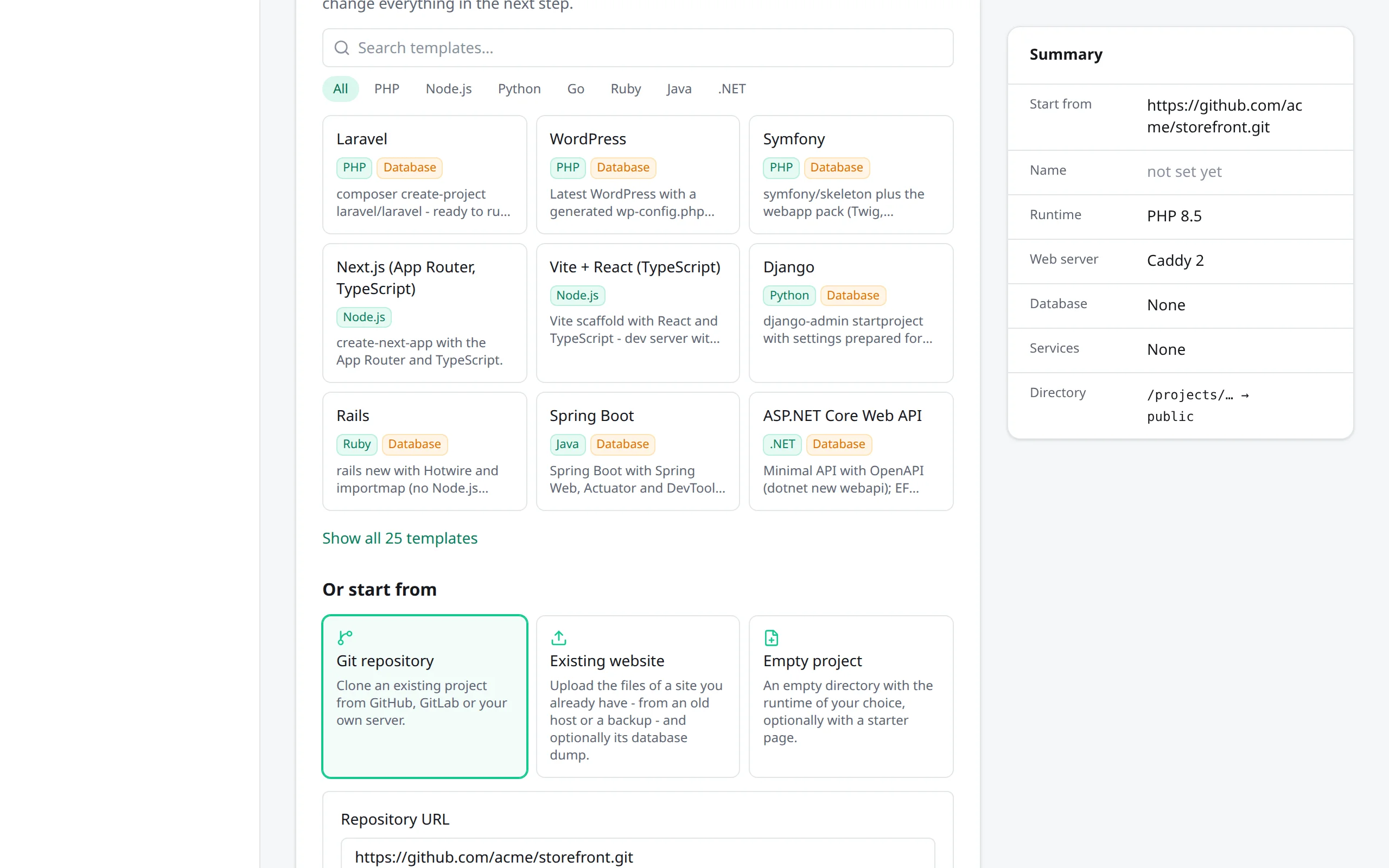
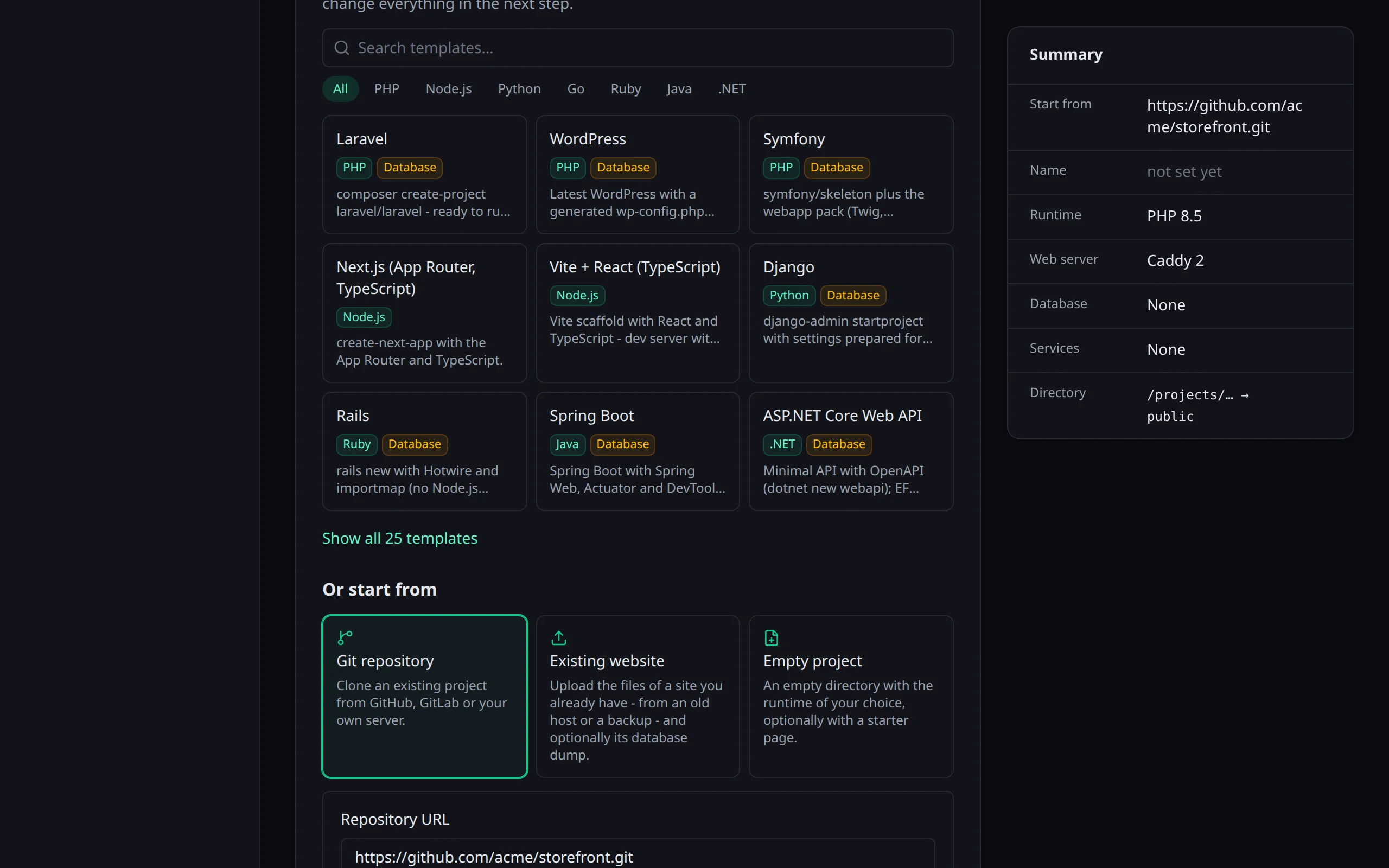
Section titled “From a Git repository”Choose Git repository under Or start from and enter the repository URL - https://…, git@host:path.git or ssh://… -
and a branch if you don’t want the default one. Envoryx clones it into the empty project folder,
again in a short-lived container running as the project owner. Tell Envoryx what the
repository runs (PHP application, Node.js application and so on); if you haven’t named the
project yet, it takes the repository’s name.
A private repository over HTTPS needs an access token, and a username if your host wants
one. On GitHub, a fine-grained token with Contents: read is enough; on GitLab it’s the
username oauth2 plus a token.
For SSH repositories Envoryx uses its deploy key. Copy the public key from Settings → Git deploy key (or from the project’s Git section) into the repository as a read-only deploy key before you create the project. The key itself never gets mounted into your project’s containers.
One option deserves a mention: Use the repository’s envoryx.yml, on by default. If the
repository comes with an
envoryx.yml, that
file decides the runtimes, services, domains, environment, workers and cron jobs, and the rest of
the wizard only matters when there isn’t one. It’s the easiest way to hand a project to a
colleague.
For a Node.js dev server, the wizard has to guess the script and the preset before it can see the
repository. Once the clone is there, Envoryx looks at its package.json: if the script the wizard
picked isn’t in there, it takes dev or start (start or preview for a production build) and
the preset of the framework it finds in the dependencies, Next.js, Nuxt or Vite, otherwise Other.
The dependencies themselves come with the dev server’s first start, from the repository’s
lockfile, as the Node.js page explains.
After that, the Git section pulls, switches branches (a branch that only exists on the remote becomes a local one that tracks it; pull first if it was pushed after the clone) and shows the status. If the repository moves, change the Repository URL there; saving it points the checkout’s origin at the new address too, so the next pull comes from the right place.
Importing an existing website
Section titled “Importing an existing website”Existing website under Or start from is for sites that already live somewhere else - an old shared
host, a backup, an FTP download. Upload the files as a ZIP or tar archive (.zip, .tar.gz, .tgz or plain .tar), and a database dump
(.sql or .sql.gz) if there is one. A single wrapping folder like public_html/ gets dropped
automatically. Envoryx looks through the archive and fills in the rest of the wizard with
what it found. You can still change all of it.
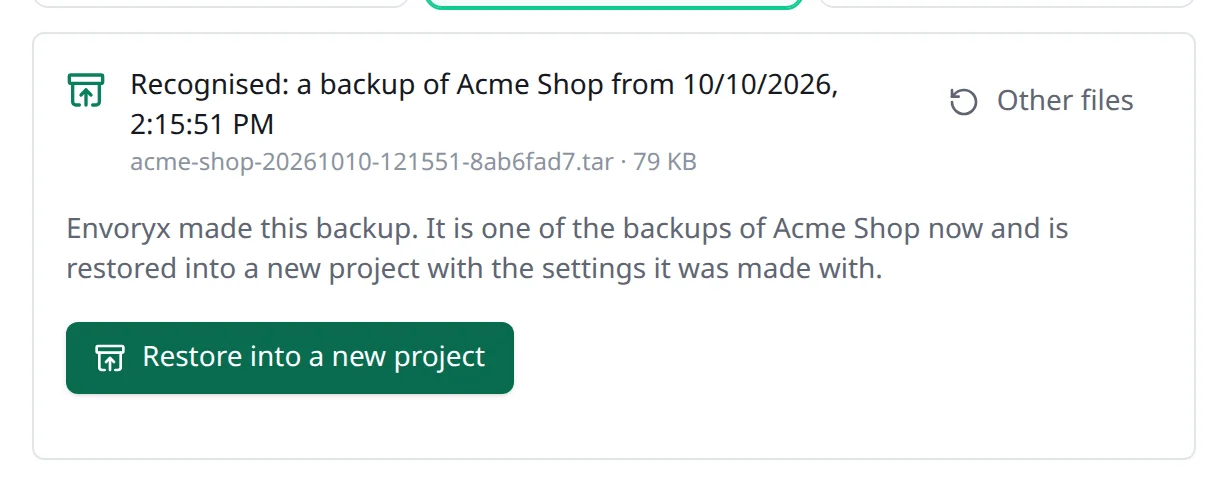
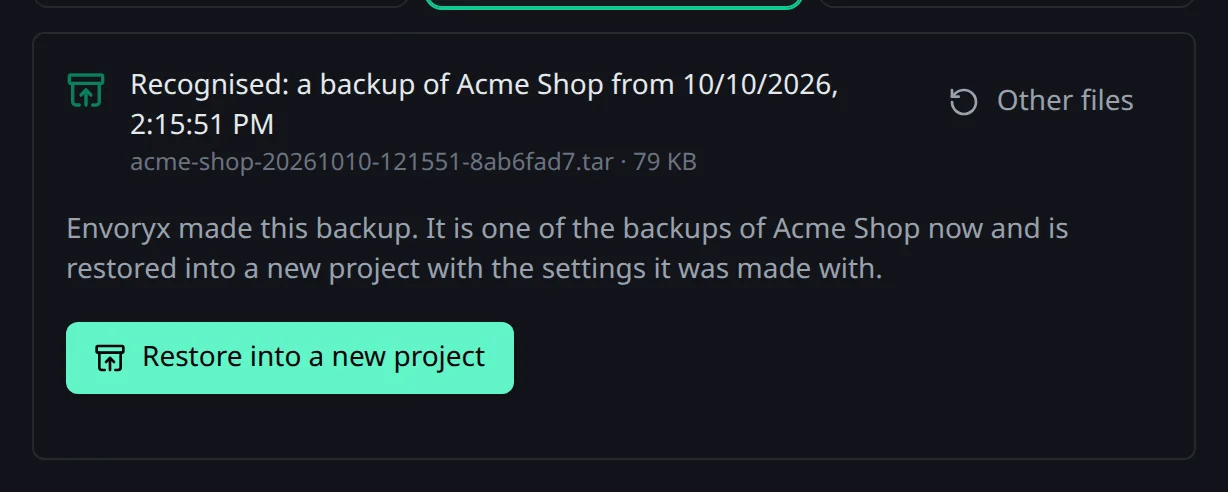
A backup you downloaded from Envoryx works here too: instead of analysing it as a website, Envoryx restores it into a new project with the settings it was made with.
Here’s what it recognises:
| Site | Recognised by | Suggestion |
|---|---|---|
| WordPress | wp-config.php, wp-includes/version.php |
PHP up to what the WordPress version supports, mysqli, MariaDB |
| Laravel | artisan + laravel/framework |
document root public, database from .env |
| Symfony | bin/console + symfony/framework-bundle |
document root public (web for Symfony 2/3), database from DATABASE_URL |
| Drupal | core/lib/Drupal.php (also below web/), Drupal 7 |
document root, PHP by major version |
| TYPO3 | typo3/sysext, typo3/cms-core |
document root public in Composer mode |
| Joomla | configuration.php with JConfig |
PHP by version, mysqli |
| Shopware, Craft CMS, other Composer apps | composer.json |
PHP from require.php, ext-* extensions |
| Plain PHP | .php files |
document root where index.php is; the files that connect to a database |
| Static site, Node.js, Python, Go, Ruby, Java, .NET | index.html, package.json, manage.py/requirements.txt, go.mod, Gemfile, pom.xml/build.gradle, .sln/.slnx/.csproj at the top |
the matching runtime |
For PHP, Envoryx picks the newest version it offers that composer.json and the CMS version
allow. If the code uses functions PHP 8 removed, you get PHP 7.4. And if there’s a .htaccess
in the document root, it suggests Apache, since that’s the only web server that reads it.
Adapting the configuration is on by default and connects the site to the project database.
WordPress reads the injected database variables in wp-config.php. Drupal, TYPO3 and Joomla get
the connection written into their configuration. WordPress, Drupal and TYPO3 also get the same
lines a new project of theirs gets: the address, trusted hosts, Redis and mail follow the project,
as the PHP page explains. Laravel, Symfony and Shopware need nothing at
all, because the injected DB_* and DATABASE_URL override their .env. Symfony gets one line,
though: the site’s .env usually names the server version in DATABASE_URL, the injected URL
doesn’t, and Doctrine would stop with Invalid platform version. So config/packages/doctrine.yaml
reads server_version from DB_SERVER_VERSION, as in the Symfony template, unless it sets a
version itself. That file is changed in place, without a copy next to it, because Symfony would load
a copy in config/packages as configuration. Every other file Envoryx
changes keeps its original right next to it as <name>.envoryx-original.php, and that one
answers with a 404, so the old credentials are never served. One thing it can’t fix for you:
WordPress itself and wp-admin follow the new address, but the links inside posts and pages are
stored with the old one. WP-CLI is in the PHP image, so
wp search-replace 'https://old-blog.example' 'https://old-blog.test' in the PHP terminal takes
care of those.
The dump gets imported once the containers exist. Statements that tie it to the old server -
CREATE DATABASE, USE, users, owners, grants, roles - are skipped. Hosting panels and
phpMyAdmin like to export the old user’s GRANT and CREATE USER lines, and those no longer stop
the import. A MySQL view, trigger or routine also loses its DEFINER: that user only existed on the
old server, and MySQL would create the object but refuse to run it. Without the clause it belongs
to the user that imports the dump. pg_dump’s custom format won’t
work; export plain SQL with pg_dump --format=plain instead. If the import fails, the project is
rolled back and the upload stays around for another try.
Uploads wait for 24 hours. An archive may be up to 20 GiB and unpack to at most 64 GiB. The same works from the command line:
envoryx import ./old-blog "Old Blog" --db old-blog.sql.gz --startenvoryx import backup.zip --php 8.2 --web nginx --no-adaptenvoryx import ./site --dry-run # only show what Envoryx recognisesBefore you hit create
Section titled “Before you hit create”The Create step shows the plan - the containers, volumes and images Envoryx is going to create - and warns you about things that don’t add up, say a server that’s switched on while nothing will create the application yet. Before anything runs, Envoryx asks the registry for the current build of every image in the plan. Another project may have left an older build of the same tag on the host, and that one could lack tools the current Envoryx relies on. Without a connection it goes ahead with the local image. Once you start, creation runs on the server until it’s done, even if you close the browser tab.