
Project backups
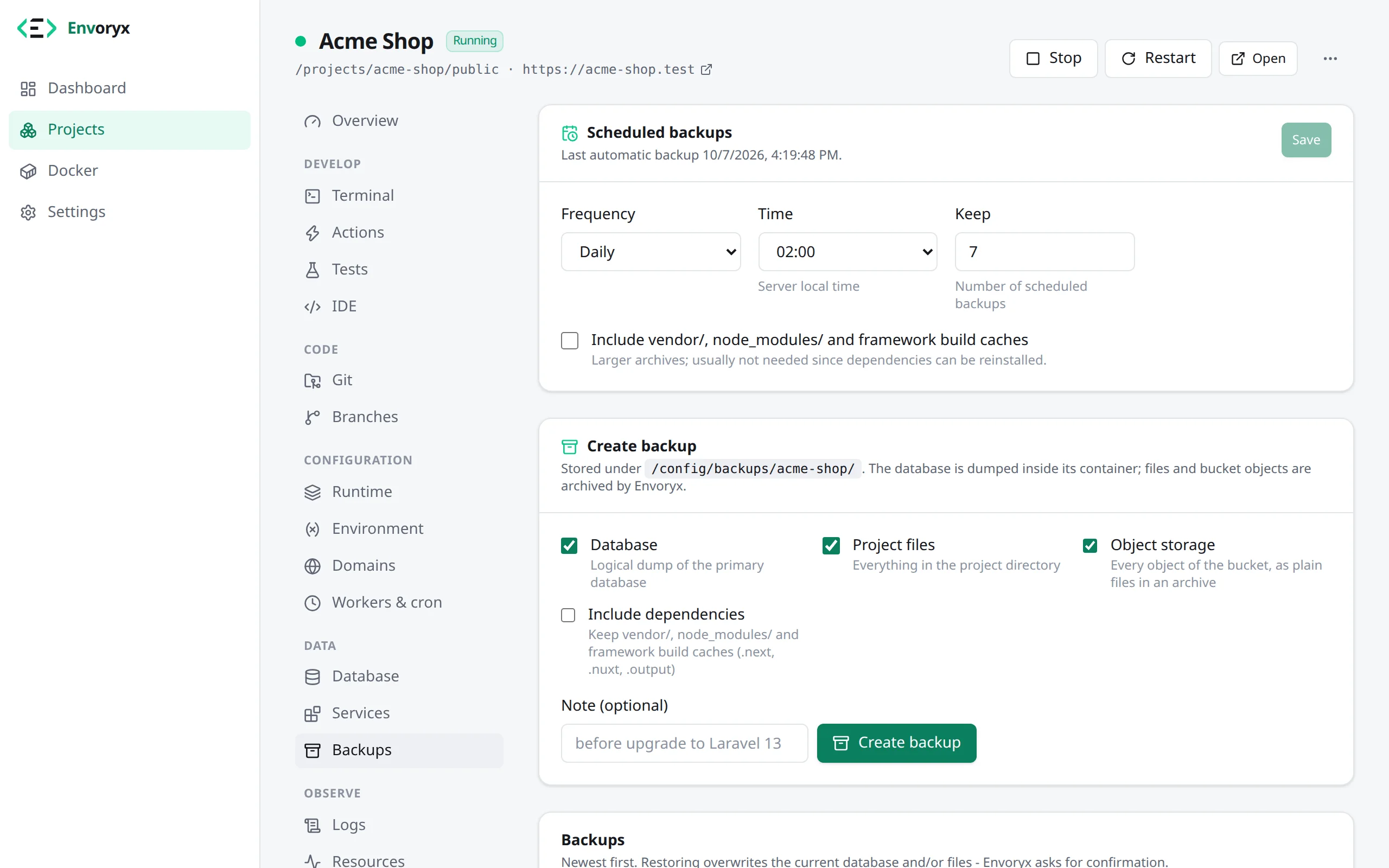
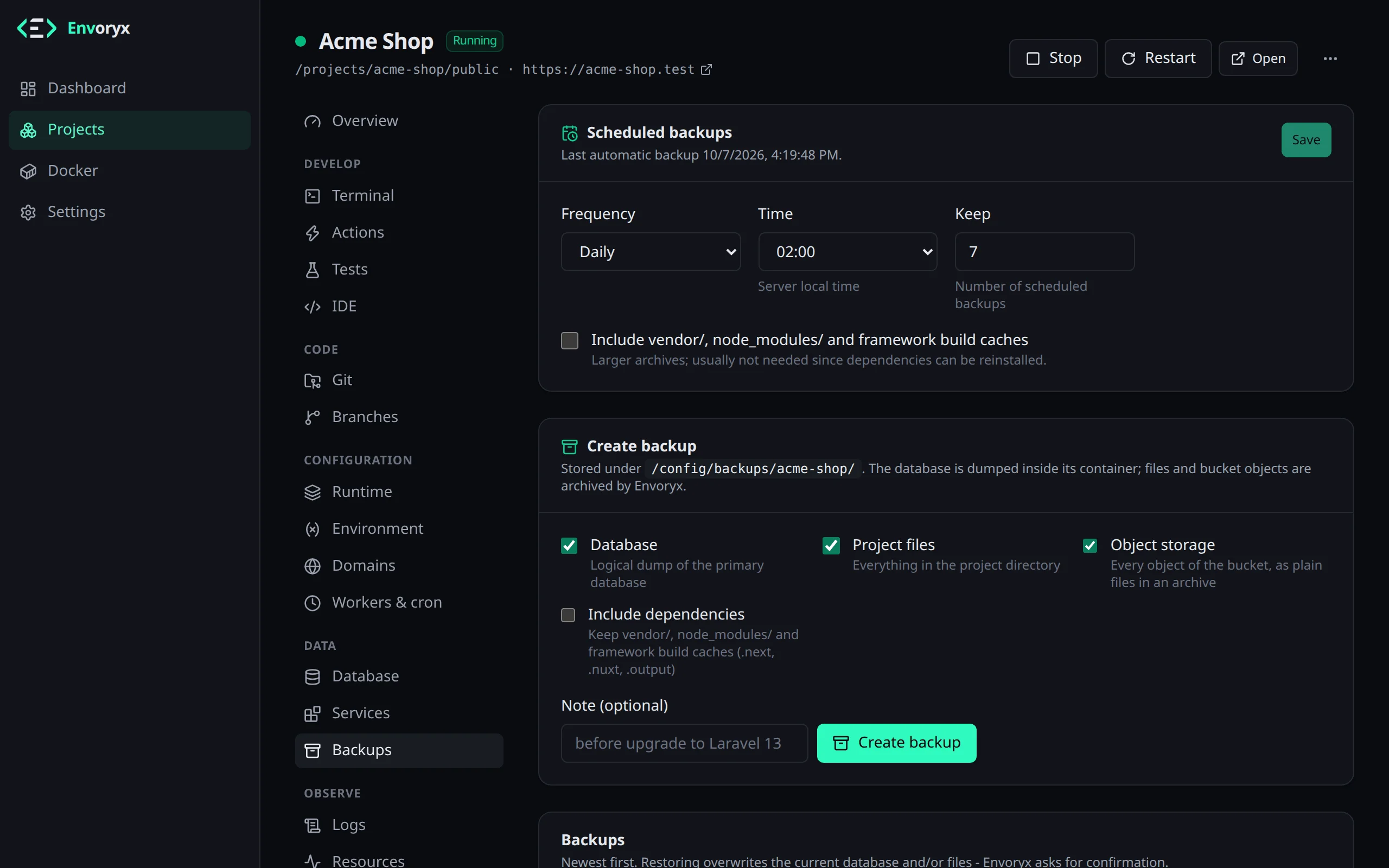
A project backup is what brings a project back after a bad migration, a deleted folder or an experiment that went sideways. You make one in the project’s Backups section with Create backup.
What’s inside
Section titled “What’s inside”Every database of the project ends up as a dump: database.sql.gz for the primary one,
database-<name>.sql.gz for each additional one. For MongoDB the name stays the same, but the
file inside the gzip is a mongodump archive, not SQL, so you read it back with mongorestore --archive, not with an SQL client. A Rails project also brings the _queue, _cache and
_cable databases Envoryx creates next to its primary one (database_queue.sql.gz and so on),
so pending Solid Queue jobs survive a restore. Next to the dumps goes the project directory with
your code. Envoryx leaves out vendor/, node_modules/, Python’s .venv/ and __pycache__/
and the build caches .next/, .nuxt/ and .output/ by default - they’re big and you can always rebuild them - but you can switch
them on if you’d rather have everything in one place.
If the project has object storage, the bucket comes along as plain files in storage.tar.gz
(on by default). And the project’s own settings are in there too, so a restore can rebuild the
project the way it was. What’s not in there is the
kept data of a removed service, say a Redis
you took out and kept the volume of. Nor is the data of Redis, OpenSearch, Meilisearch, Typesense
or RabbitMQ: caches, search indexes and queued messages aren’t worth keeping, the application
can build them again.
Each backup is a normal folder under <backups dir>/<project>/. It contains database passwords
and tokens, so treat a downloaded archive like you’d treat a password file.
Where the backups live
Section titled “Where the backups live”Out of the box they go to /config/backups. Backups are big and you rarely look at them, so it
often makes sense to keep them somewhere else - on Unraid, for example, on the array rather than
the cache SSD.
The easiest way is to mount a host folder at /backups: the Unraid template has an optional
Backups path for it, with Compose you add a /backups volume. Envoryx notices it and uses it.
If you want to point somewhere specific, set ENVORYX_BACKUPS_DIR instead.
To move backups you already have, stop Envoryx, move the contents of /config/backups/ into the
new folder and start it again.
Backing up on a schedule
Section titled “Backing up on a schedule”Under Backups → Scheduled backups Envoryx backs a project up daily or weekly at the hour you
choose and keeps the last N of those. The hour is the server’s local time, so set TZ on the
container if it’s off. The rotation only ever removes scheduled backups - the ones you made by
hand stay until you delete them. If a backup fails, you get a notification.
Don’t be surprised when a backup shows up right after you switch the schedule on. Envoryx checks once a minute whether the most recent slot has been covered, and for a fresh schedule it hasn’t, so the first scheduled backup runs straight away and the next one at the hour you picked.
Envoryx won’t start a backup that would leave less than 512 MiB free. A disk that runs completely full would take Envoryx’s own database down with it, and that’s the worse outcome.
Restoring and downloading
Section titled “Restoring and downloading”Restore puts back what you pick - databases, files, bucket - once you’ve typed the project identifier to confirm. It restores every dump whose database the project still has and tells you which ones it skipped. A database Envoryx runs is emptied before the dump goes in, so tables a later migration created don’t stay behind and trip up the next migration. An external database is never emptied: there the dump only replaces the tables it contains. For the bucket you can have it emptied first, so nothing newer than the backup stays behind.
With Empty the project directory first the restore deletes everything in the project folder
before it unpacks the files, so nothing newer survives there either. Keep in mind what the
backup left out: if it was made without dependencies, vendor/ or node_modules/ are gone
afterwards, and you run composer install or npm install from the Actions section before the
site works again.
Read-only files and folders, like Drupal’s settings.php and sites/default, are replaced all the
same and get the mode from the backup back, also when Envoryx runs without root.
If the files still can’t be put back, say because of a permission problem on the host, the message
names the file and tells you whether the database was already restored. Nothing is rolled back, so
fix the cause and restore the files again.
Redis is emptied after the restore, as long as Empty Redis afterwards stays ticked (it is by
default, and the box only shows when the project has a Redis that Envoryx runs). Sessions, object
caches and queued jobs in there belong to the data from before the restore, and WordPress or
Shopware would happily keep serving pages from them. If the project is stopped, Envoryx starts
Redis just for that and stops it again. An external Redis is never touched, and neither are
OpenSearch and the other services: rebuild a search index yourself, in Shopware with
bin/console es:index.
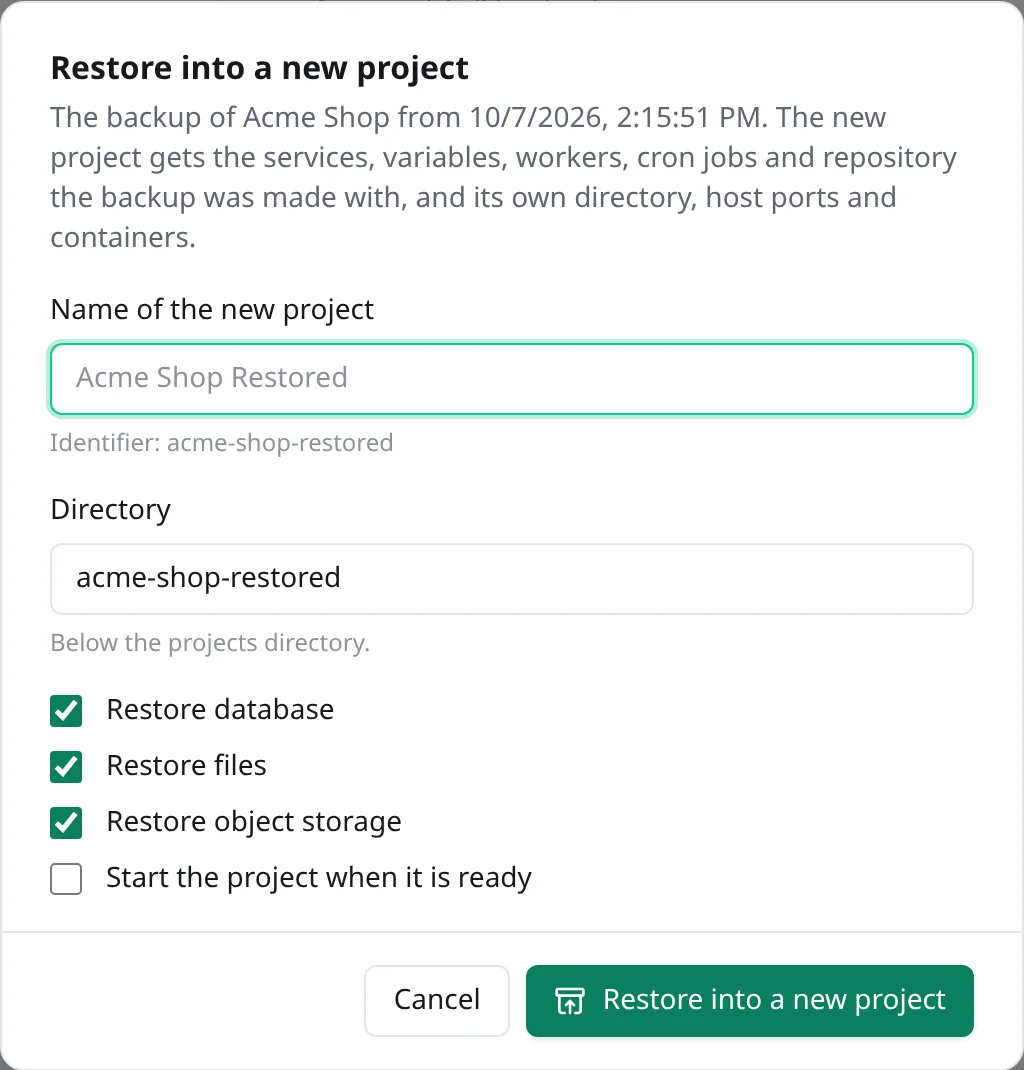
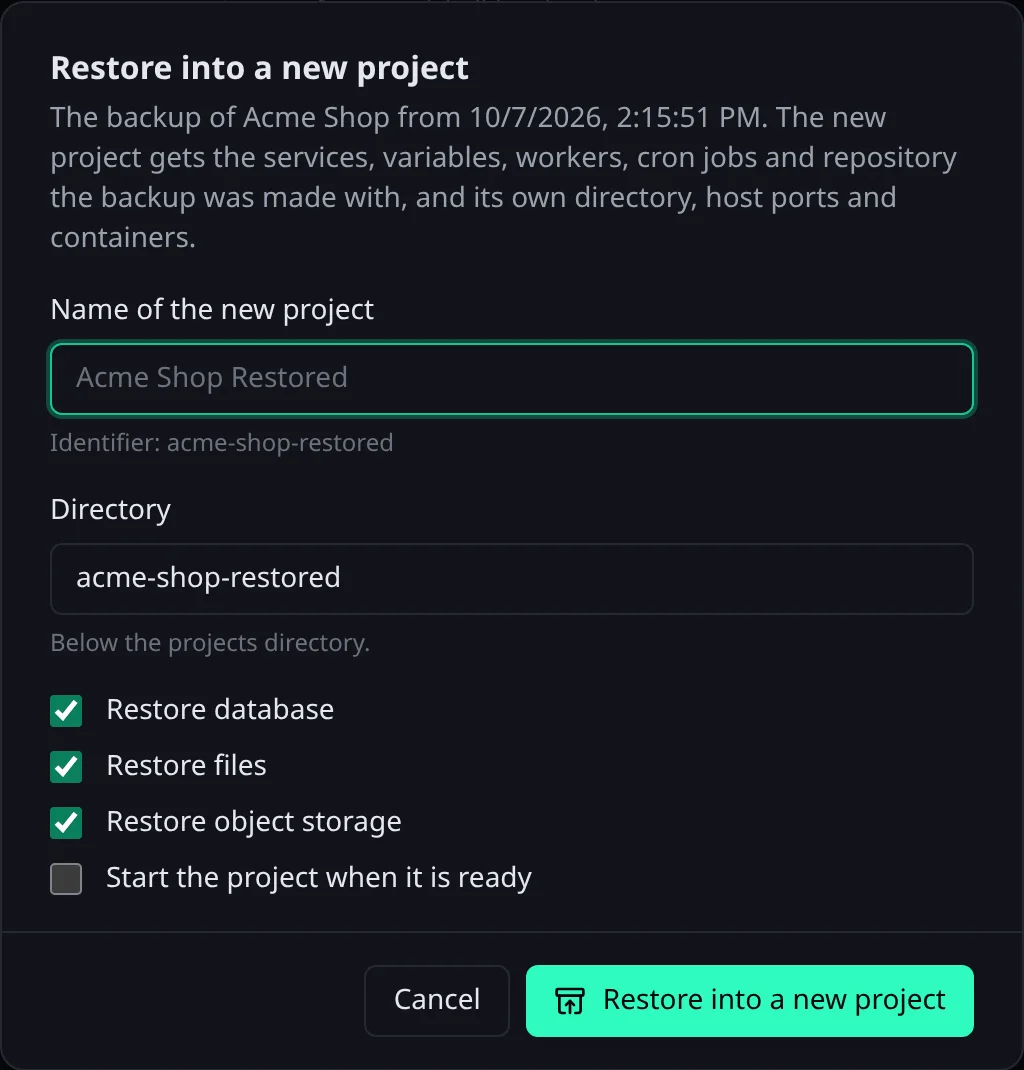
If you’d rather keep the current state, restore the backup into a new project instead: the button with the box and the arrow next to Restore asks for a name and directory and which parts to bring along. The new project gets the services and versions, the variables with their secrets, the workers, cron jobs and repository the backup was made with, plus host ports and containers of its own. An external database or Redis becomes one Envoryx runs, as in a duplicate. Backups made before Envoryx 0.25 don’t record the workers, cron jobs, limits, health check, proxy rules or custom images yet, so a project restored from one starts without them.
Bringing back a deleted project
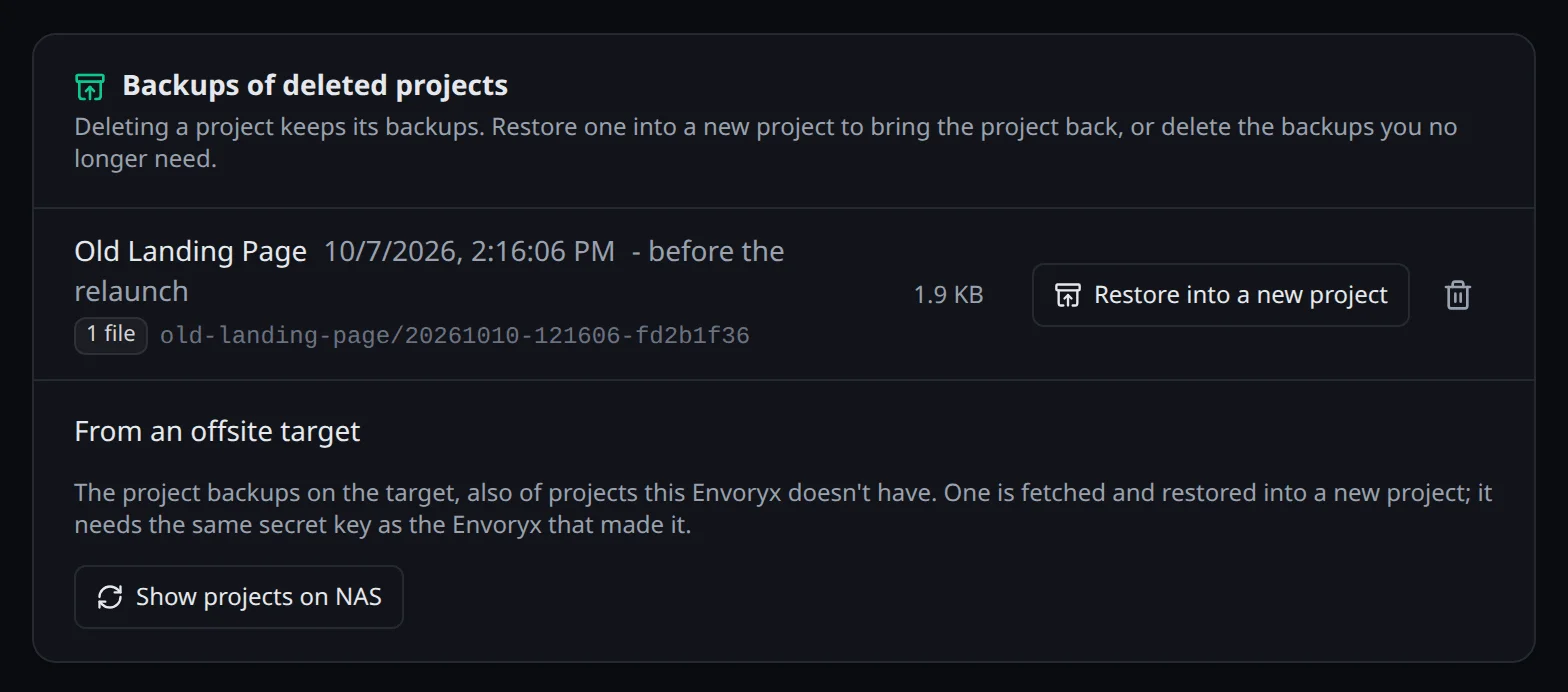
Section titled “Bringing back a deleted project”Deleting a project keeps its backups. Settings → Backups → Backups of deleted projects lists them, and Restore into a new project brings the project back from one, also under its old name. Backups you don’t need any more are deleted there too. All of this takes admin access to the whole instance, since the new project gets the backup’s secrets. The project’s settings in a backup are sealed with the instance’s secret key, so this works on the instance that made the backup, or one with the same key.
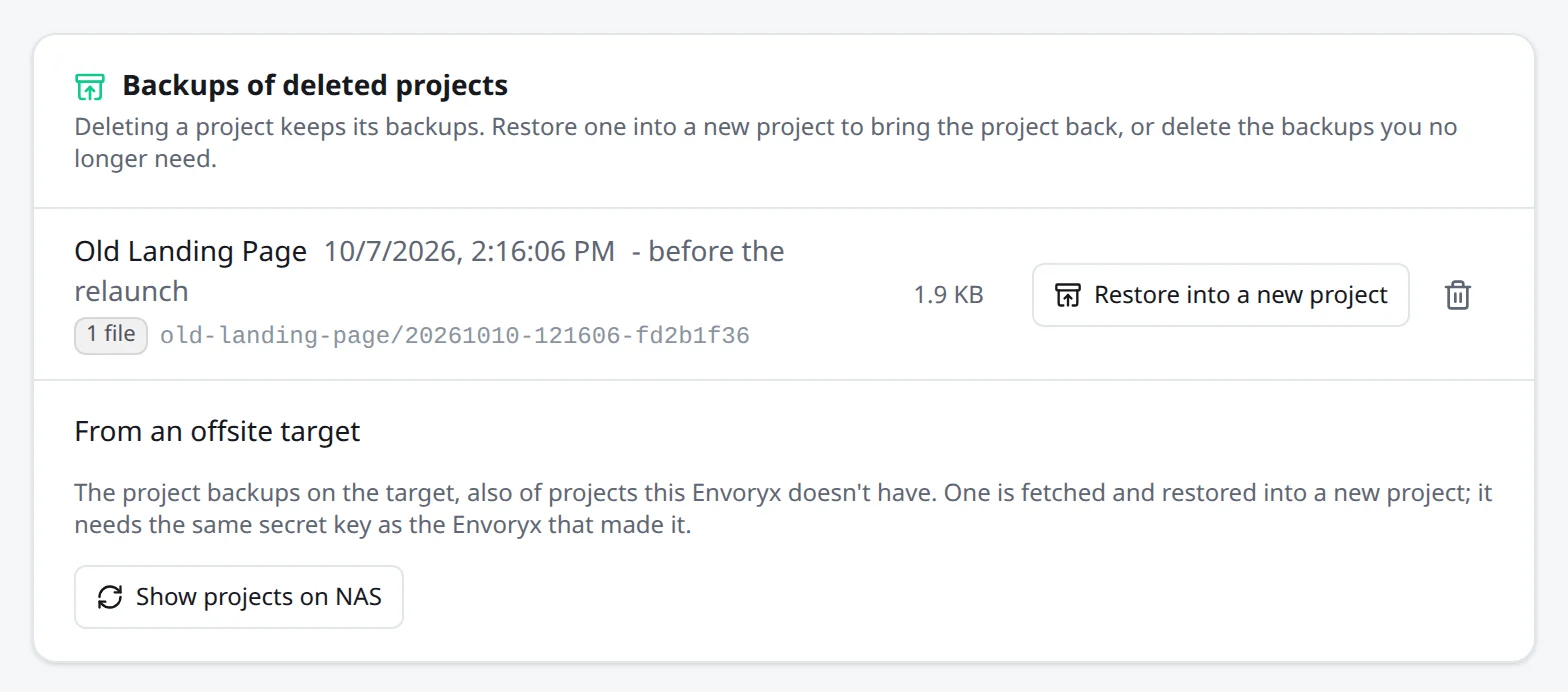
Download gives you one archive per backup, a plain .tar, handy for keeping a copy
elsewhere. To bring one back, upload it as it is under New project → Existing website: Envoryx recognises its own backups there,
keeps the upload as a backup of its project (or with the backups of deleted projects) and
offers Restore into a new project right away. That’s also a way to move a project to another
Envoryx, as long as it has the same secret key. If it doesn’t, the error names the ID of the key
the backup needs.
When you change the version of a database, Envoryx makes a database backup on its own first (you’ll see it with the source upgrade), so an upgrade that goes wrong can be undone.
Snapshots
Section titled “Snapshots”Sometimes you only want a quick copy of one database, say right before a migration. That’s a snapshot - see Databases → Snapshots.
From the command line
Section titled “From the command line”envoryx backup list shopenvoryx backup create shop # database + files by defaultenvoryx backup restore shop <backup> --yesenvoryx backup download shop <backup> -o shop.tarenvoryx backup delete shop <backup> --yesOne last thing: backups on the same machine don’t help much when that machine dies. Put the backups folder into your usual off-machine backup, or let Envoryx copy the backups away itself with offsite backups.